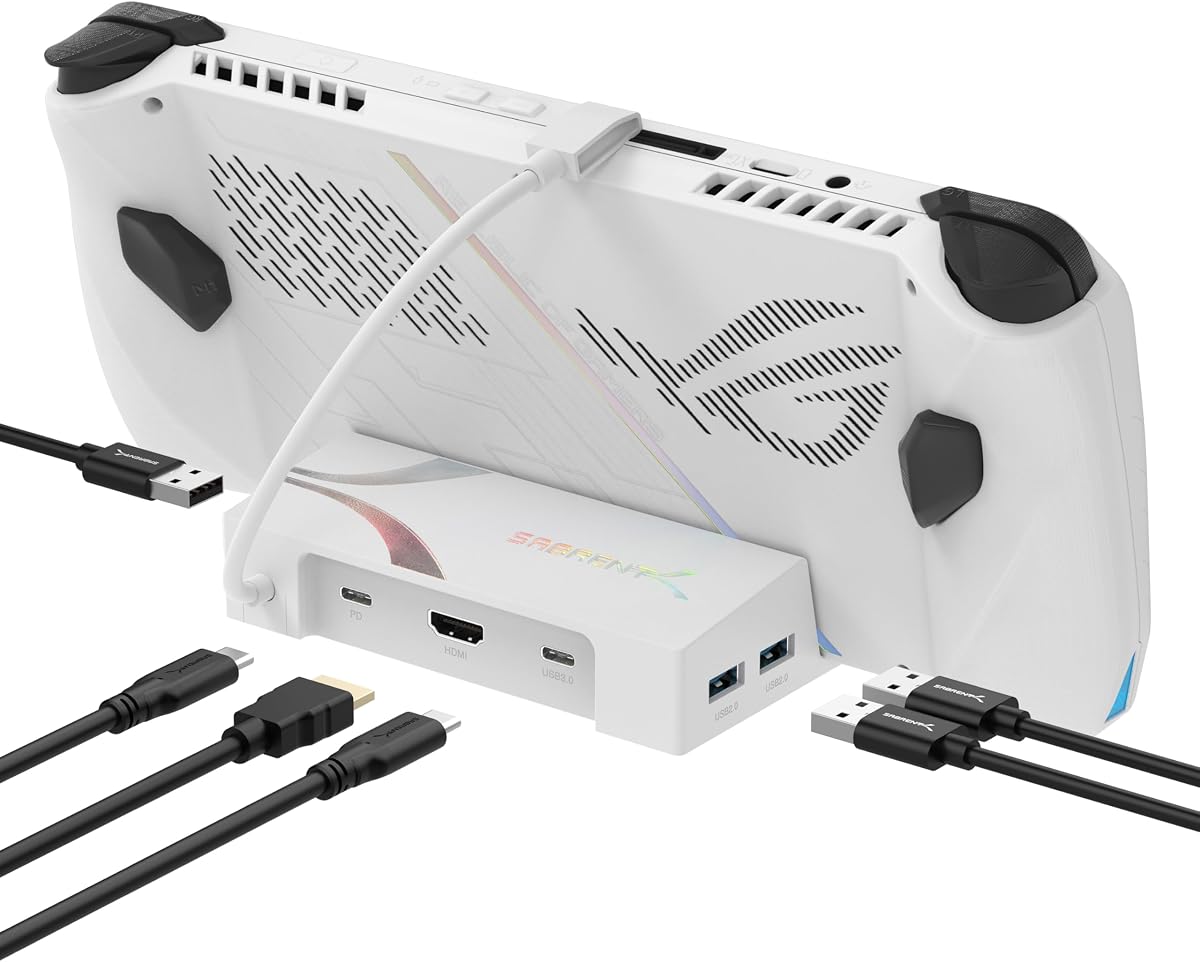
SABRENT 6-Port USB-C Dock
4.0Editor score
4K HDMI Display Output
95W Pass-Through Charging
Compact Connectivity Hub
This guide compares the top ASUS ROG Ally Dock options for 2026, evaluating connectivity, charging speed, and compatibility to help you choose the right hub
Finding the right ASUS ROG Ally Dock can transform your handheld gaming experience by enabling seamless connections to external displays and peripherals. A quality dock should support high refresh rates, provide stable power delivery, and offer versatile ports for your setup.
We have evaluated ten leading docking stations based on their compatibility with the ROG Ally and related handhelds, video output capabilities, and build quality. Our analysis focuses on real-world performance metrics and user feedback to ensure reliable recommendations.
Each pick in this list highlights specific strengths such as budget friendliness, premium features, or unique design elements. Please note that product availability and pricing can change, so verify details before making your final purchase decision.
4.0Editor score
4.7Editor score

4.4Editor score
This side-by-side comparison highlights the key specifications and unique features of each docking station to help you quickly identify the model that fits your specific gaming needs.

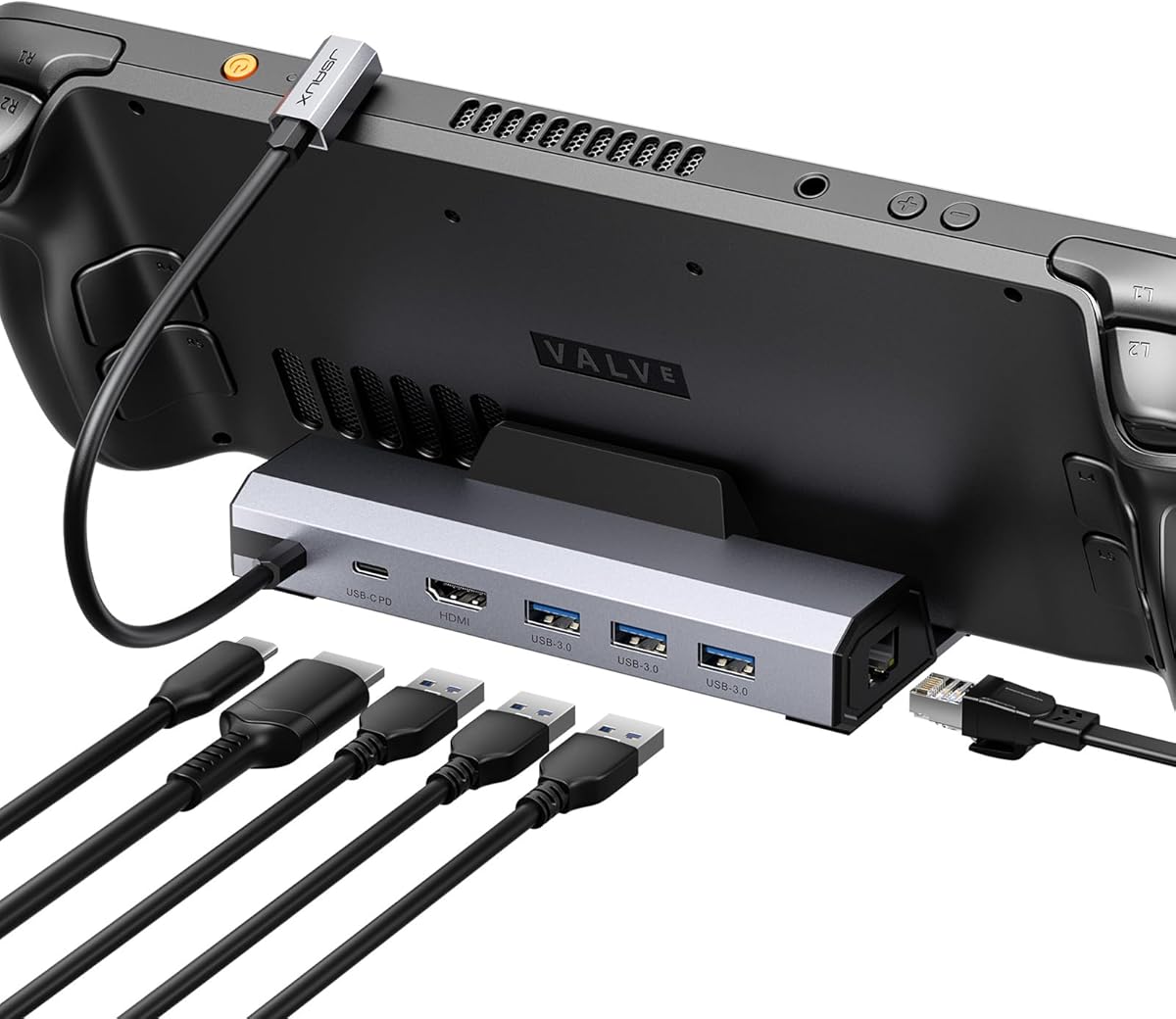

The JSAUX 6-in-1 Docking Station HB0612 stands out as the top choice for users seeking a reliable and versatile docking solution. With a strong rating of 4.7 stars, it consistently delivers on performance promises regarding video output and connectivity.
We may earn a commission when you buy through this link, at no additional cost to you.
Its standout feature is the support for 4K@120Hz output via HDMI 2.1, which ensures smooth visuals for competitive gaming and media consumption. The dock also provides gigabit Ethernet for stable online connections, reducing latency during multiplayer sessions significantly.
While the price point is slightly higher than entry-level hubs, the build quality and versatility justify the investment. Users should ensure they have a compatible 100W charger to maximize charging speeds during intense gaming sessions.
This dock is ideal for gamers who prioritize visual fidelity and stability. It transforms your handheld into a full desktop experience effortlessly, making it the best overall option available in the market.
The 4K@120Hz capability ensures that games run smoothly without tearing, providing a competitive edge in fast-paced titles.
Multiple USB 3.0 ports allow simultaneous connection of peripherals like keyboards, mice, and external storage without bottlenecks.
We may earn a commission when you buy through this link, at no additional cost to you.
The SABRENT 6-Port USB-C Dock is an excellent entry-level option for users who need basic connectivity without breaking the bank. It offers solid performance for standard gaming and productivity tasks.
We may earn a commission when you buy through this link, at no additional cost to you.
Its 4K HDMI output supports up to 60Hz, which is sufficient for most media and casual gaming needs. The inclusion of multiple USB-A ports allows for connecting keyboards and mice comfortably.
However, it does not include a stand, meaning you must position your device separately. Also, it lacks support for higher refresh rates like 120Hz, which might limit its appeal for competitive gamers.
This dock is perfect for budget-conscious users who primarily need video output and data transfer. It effectively expands the utility of your handheld without complex setup requirements.
Ideal for users who want to connect to a monitor occasionally without investing in a high-end station.
The USB-C pass-through ensures your device charges while in use, maintaining battery levels during extended sessions.
We may earn a commission when you buy through this link, at no additional cost to you.
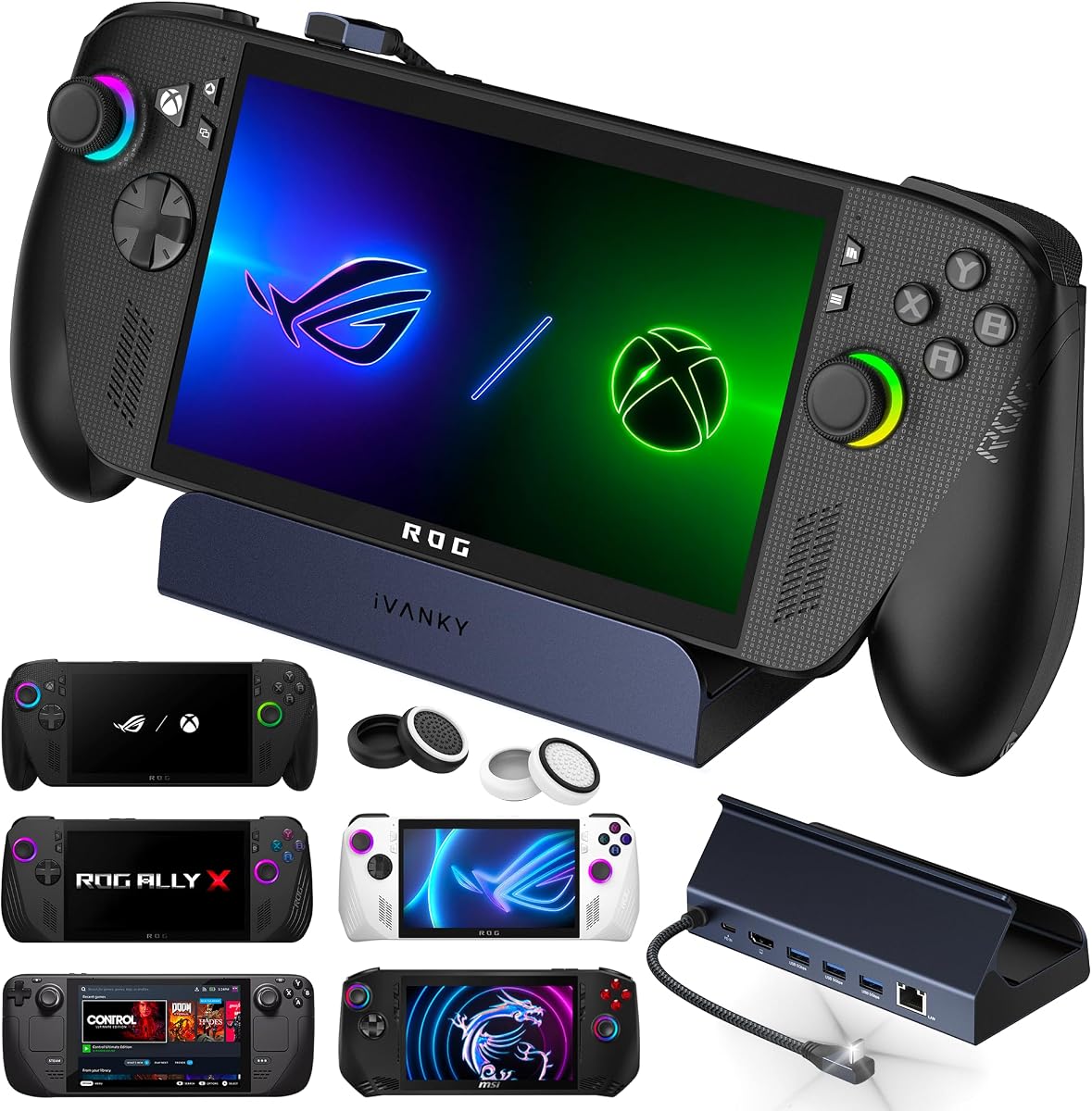
The iVANKY 14-in-1 RGB Docking Station offers a premium experience with its extensive connectivity options and aesthetic enhancements. It is designed for users who want maximum versatility in their gaming setup.
We may earn a commission when you buy through this link, at no additional cost to you.
With 14 ports including card readers and USB-C data, it caters to heavy users who connect multiple peripherals simultaneously. The RGB lighting adds a customizable touch to your desk environment.
The customizable stand ensures that your device remains cool by allowing airflow underneath, which is crucial during long gaming sessions. However, the price is higher than basic models, which may not appeal to all buyers.
If you want a feature-rich dock that looks great and supports high-end displays, this is the best choice. It provides all the tools needed for a complete desktop gaming station.
Seven dynamic RGB modes allow you to match the dock's lighting with your existing gaming rig for a cohesive look.
The dual-foldable stand design ensures rear vents remain unobstructed, promoting better heat dissipation during use.
We may earn a commission when you buy through this link, at no additional cost to you.
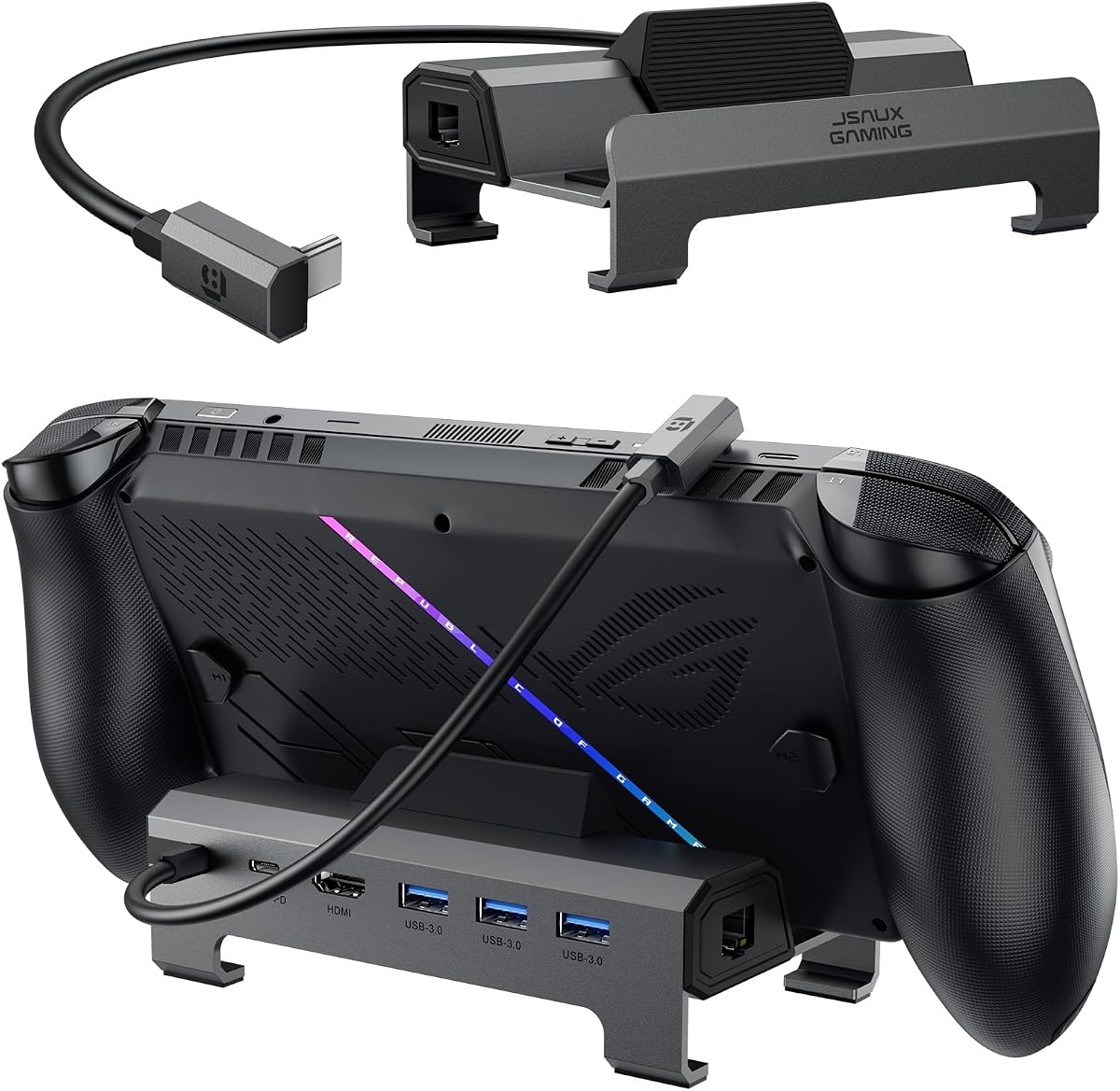
The JSAUX HB0609 Docking Station features a modular design that allows for flexibility in how you use the device. It includes a detachable base that can serve as a standalone stand.
We may earn a commission when you buy through this link, at no additional cost to you.
It supports 4K@120Hz HDMI output, making it suitable for high-performance displays. The USB ports allow for connecting essential peripherals like mice and keyboards seamlessly.
While it lacks support for VRR or ALLM, it still delivers strong performance for standard use cases. The modular nature adds value if you need to move the dock frequently between setups.
This dock is great for users who value design flexibility. It offers a balance of performance and practical features that suit various gaming environments.
The detachable base means you can use the hub independently without the stand if portability is your main goal.
The 120Hz refresh rate ensures smooth visuals even in fast-paced games, reducing motion blur significantly.
We may earn a commission when you buy through this link, at no additional cost to you.
The JSAUX HB0603 focuses on providing essential connectivity with a strong emphasis on network stability. It includes a gigabit Ethernet port for reliable internet connections without Wi-Fi latency.
We may earn a commission when you buy through this link, at no additional cost to you.
It delivers 4K@120Hz HDMI output, ensuring smooth visuals on supported monitors. The 100W charging capacity ensures that your device remains powered even during demanding gameplay.
This dock is ideal for competitive gamers who require stable internet connections. Its compact design makes it easy to pack for travel without sacrificing performance.
If you prioritize stable wired connections and portability, this dock is a strong candidate. It delivers on the core requirements for a great gaming setup.
The gigabit Ethernet port ensures you are not affected by Wi-Fi interference, crucial for online multiplayer.
It supports Turbo Mode effectively, allowing your device to run at peak performance levels without throttling.
We may earn a commission when you buy through this link, at no additional cost to you.
The iVANKY 8-in-1 Docking Station is optimized to unlock the full potential of supported devices. It supports high refresh rates up to 144Hz for ultra-smooth visuals on compatible monitors.
We may earn a commission when you buy through this link, at no additional cost to you.
It delivers 100W charging power, ensuring your device is fueled for long sessions. The USB-C core connection minimizes latency and ensures stable data transmission for peripherals.
Users should verify that their device BIOS is updated to unlock specific features like Turbo Mode. This dock is a strong choice for users seeking high-end visual performance.
If you need a dock that supports higher refresh rates, this model is worth considering. It offers a premium experience for those who demand the best visuals.
The 144Hz support ensures that animations and games look incredibly fluid, providing a competitive edge in fast-paced titles.
The direct USB-C core connection reduces potential points of failure, ensuring stable data transfer for peripherals.
We may earn a commission when you buy through this link, at no additional cost to you.
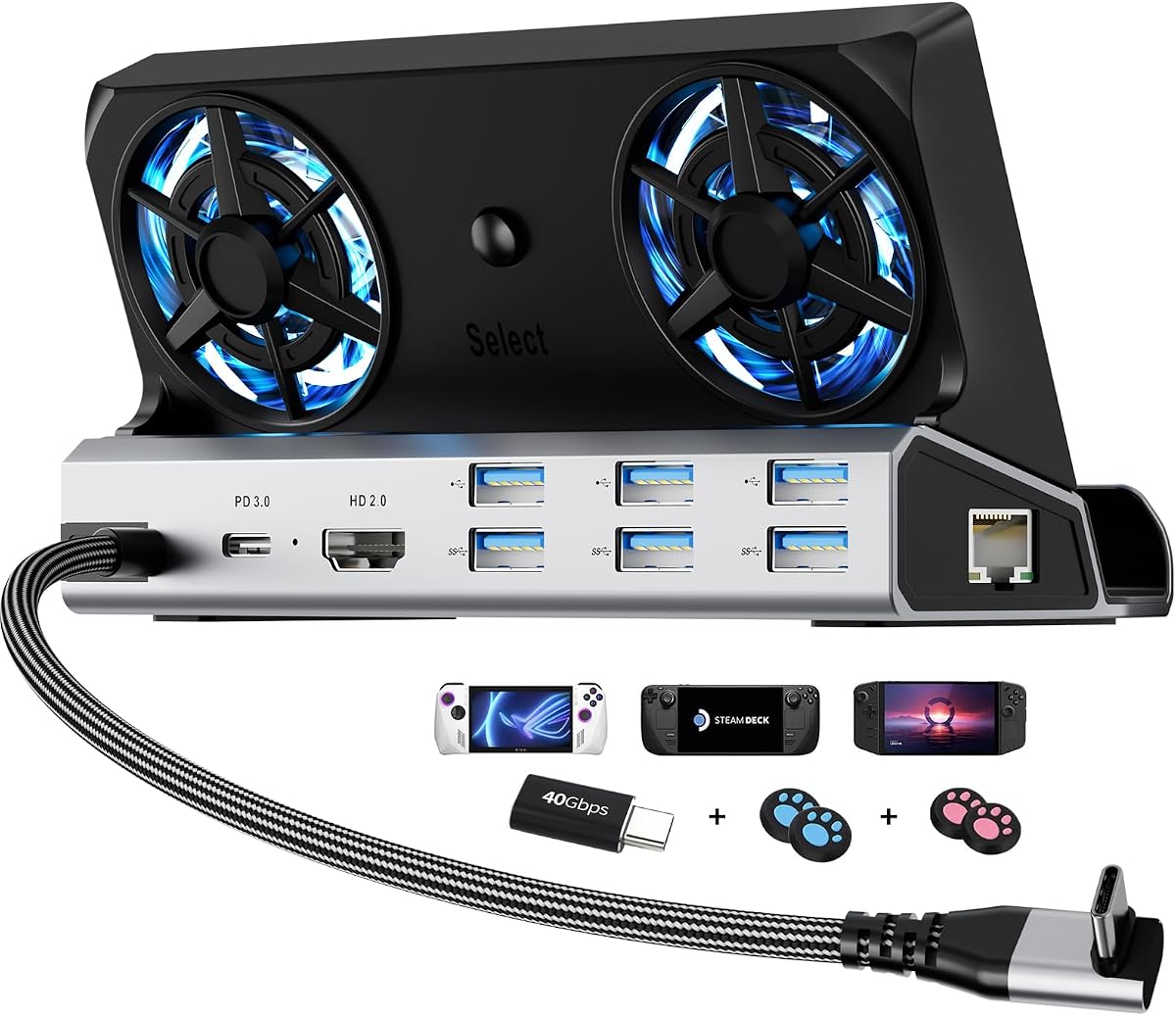
The YCE 12-in-1 Full-Function Dock stands out for its integrated cooling solution. It includes dual 5cm RGB fans that help prevent thermal throttling during extended gaming sessions.
We may earn a commission when you buy through this link, at no additional cost to you.
It features a robust aviation aluminum build which enhances durability and heat dissipation. The 12-in-1 port selection covers almost every connectivity need you might have.
While the fans add some bulk, they are effective at maintaining optimal temperatures. The aluminum body also ensures that the dock remains sturdy during everyday use.
This dock is ideal for users concerned about heat management. It provides a comprehensive solution that keeps your device cool and connected.
The dedicated cooling fans help maintain optimal internal temperatures, preventing performance drops during long sessions.
The aviation aluminum alloy construction ensures that the dock can withstand daily wear and tear while dissipating heat efficiently.
We may earn a commission when you buy through this link, at no additional cost to you.
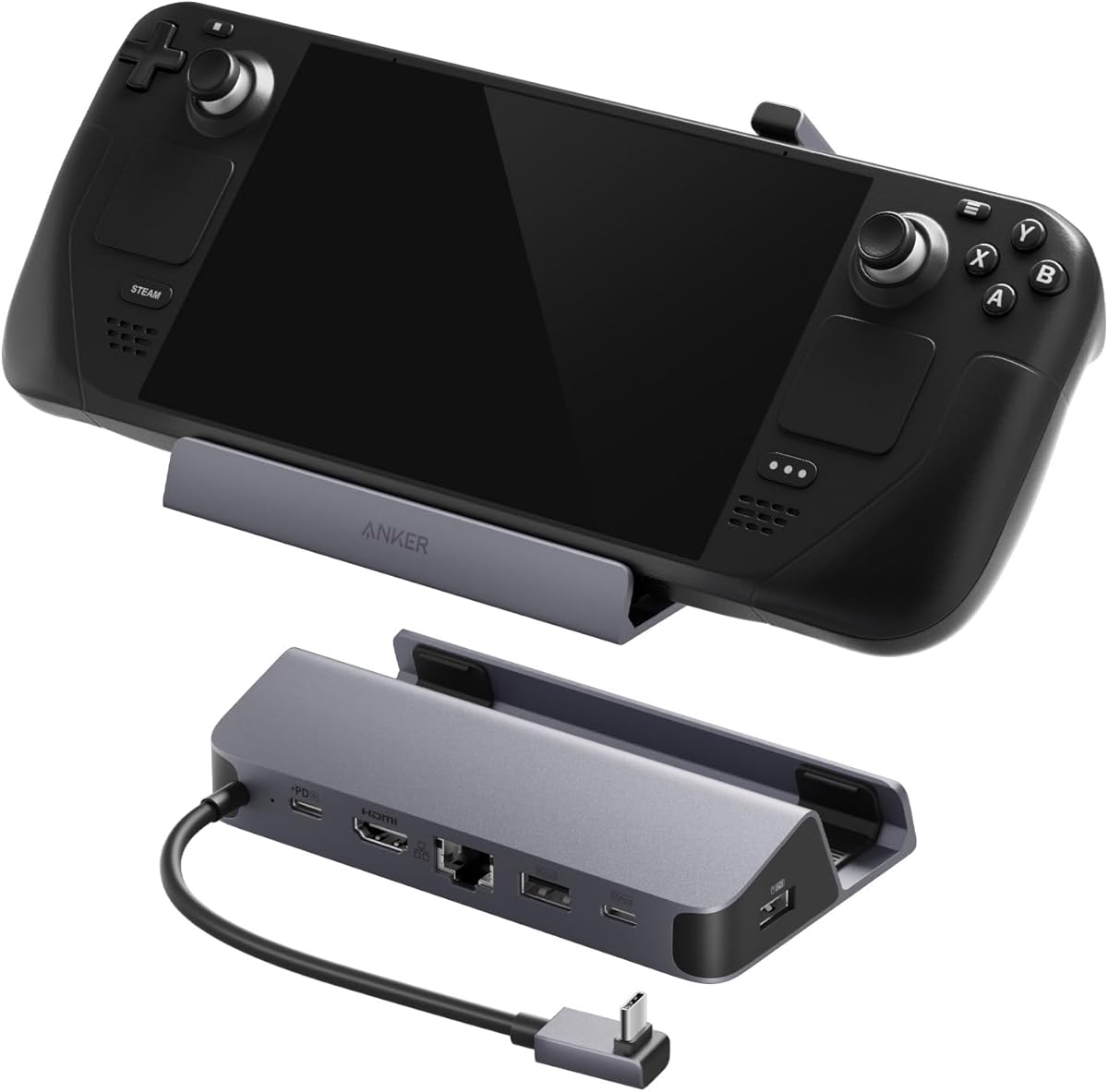
The Anker 6-in-1 USB-C Hub offers a reliable solution with a trusted brand name. It focuses on essential features like high-speed Ethernet and 4K video output.
We may earn a commission when you buy through this link, at no additional cost to you.
It supports up to 100W charging input and includes a built-in USB-C cable for convenience. The 4K@60Hz HDMI output ensures clear visuals for media and games.
While it does not support higher refresh rates, it is a solid choice for everyday connectivity. The built-in cable reduces clutter, making setup easier.
This hub is best for users who value reliability and simplicity. It provides the basics needed to connect your handheld to your desk.
Anker is known for durable products, and this dock continues that tradition with robust internal components and build quality.
The built-in USB-C cable simplifies setup, removing the need to find and manage separate cables for your device.
We may earn a commission when you buy through this link, at no additional cost to you.
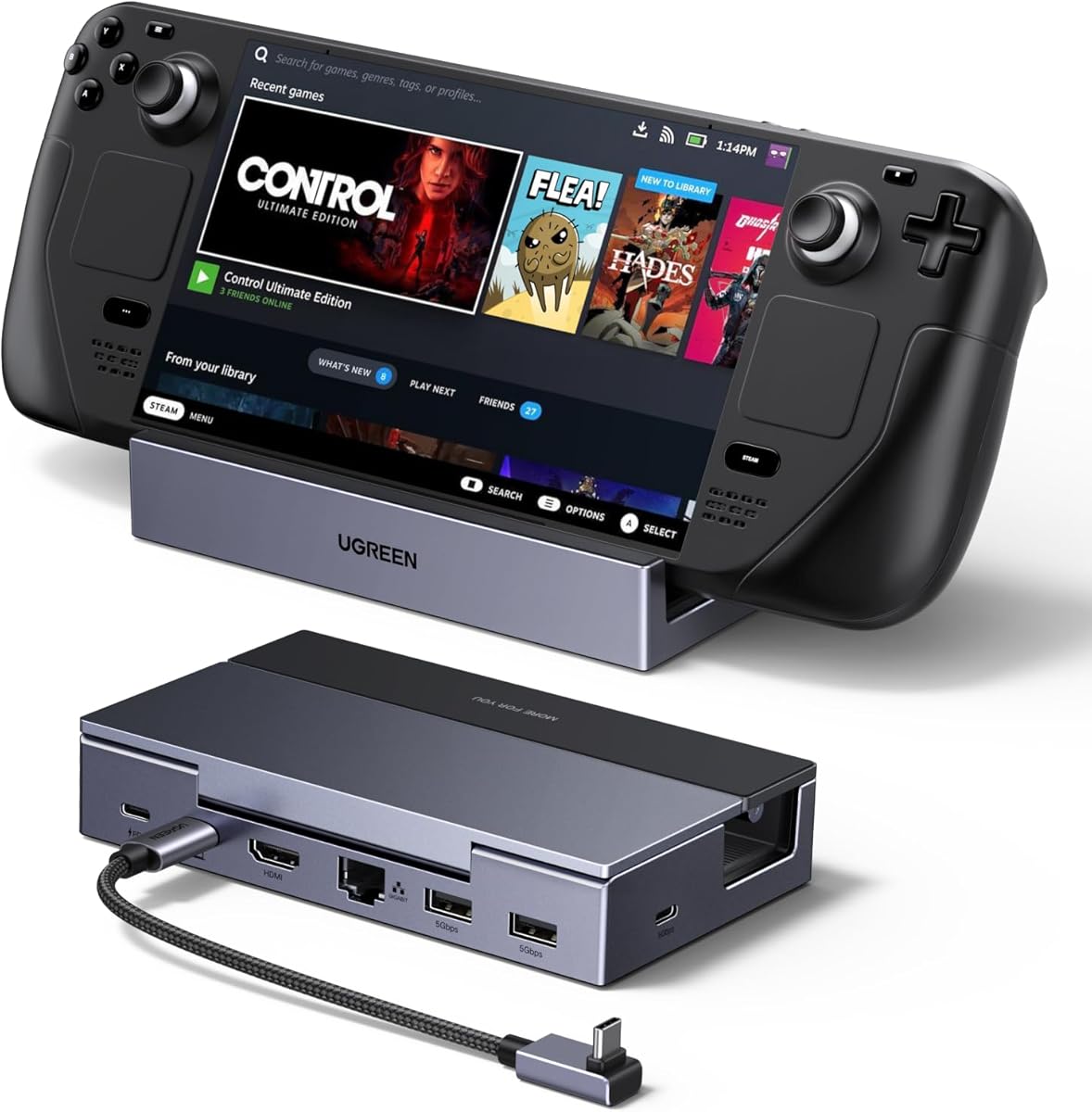
The UGREEN 6-in-1 Docking Station combines performance with a compact design. It features a foldable stand that saves space and protects your device when not in use.
We may earn a commission when you buy through this link, at no additional cost to you.
It supports 4K@120Hz output and includes VRR support for smooth visuals. The 100W PD charging ensures your device stays powered during gaming.
The compact footprint makes it ideal for portable setups where desk space is limited. It delivers strong performance without taking up much room.
If you want a dock that balances power and portability, this is a great option. It provides modern features in a small package.
The foldable design allows the dock to take up minimal space on your desk when not in use, keeping your setup clean.
VRR and FreeSync support help eliminate screen tearing and stuttering, providing a smoother viewing experience.
We may earn a commission when you buy through this link, at no additional cost to you.
The YCE 14-in-1 Handheld Console Dock offers unique storage expansion capabilities. It includes an M.2 NVMe slot that allows you to add more storage directly to the dock.
We may earn a commission when you buy through this link, at no additional cost to you.
It also features adjustable cooling fans to manage heat efficiently. The variety of ports supports all your peripherals, and the RGB lighting adds a fun aesthetic element.
While the setup might be complex, the storage expansion feature is a major advantage for users with large game libraries. It transforms the dock into a powerful workstation.
This dock is best for power users who need extra storage and cooling. It provides unique features that other docks do not offer.
The M.2 NVMe slot allows you to install SSDs directly, effectively increasing your device's storage without internal modification.
Adjustable fan speeds give you control over noise and airflow, helping you balance performance and quiet operation.
We may earn a commission when you buy through this link, at no additional cost to you.
Choosing the right dock requires understanding your specific needs for connectivity, power, and design. This section outlines the key factors to consider.
Check the HDMI version supported by the dock. Models with HDMI 2.1 support 4K@120Hz, which is ideal for smooth gaming on high-refresh monitors.
Look for docks that support higher refresh rates to ensure a smooth visual experience for competitive gaming and media.
Ensure the dock supports sufficient wattage for your device. Look for 100W PD charging to maintain battery levels during Turbo Mode gameplay.
Prioritize docks with high wattage pass-through to ensure your handheld charges fully while in use.
Count the number of USB-A and USB-C ports needed for your peripherals. Multiple high-speed USB ports allow simultaneous connection of controllers and storage.
Select a dock that offers enough USB ports to connect all your essential gaming and office accessories.
For online gaming, a dedicated gigabit Ethernet port ensures stable latency compared to Wi-Fi. This is crucial for competitive multiplayer matches.
Choose a dock with gigabit Ethernet to guarantee the lowest possible ping and most stable internet connection.
Verify that the dock explicitly lists compatibility with your specific device model. Different docks may have specific requirements for different handhelds.
Confirm compatibility with your exact device model to avoid connection issues or lack of full functionality.
Look for docks made with durable materials like aluminum to prevent overheating and physical damage. Metal casings also help dissipate heat better.
Opt for builds that use metal or high-quality materials to ensure longevity and better thermal management.
Consider whether you need a dock that doubles as a stand or a simple hub. Foldable designs save space, while stationary ones may offer better stability.
Choose a design that fits your desk space and lifestyle, such as foldable options for travel or stationary stands for permanent setups.
Some docks include cooling fans, RGB lighting, or extra slots like SD readers. These can enhance usability but may add bulk to the device.
Evaluate extra features like cooling or storage slots based on whether they provide real value for your specific use case.
Connect the dock to your handheld using the included USB-C cable. Ensure the connection is secure to avoid data loss or unstable video output.
Use a high-wattage power adapter to supply the dock. This ensures your device charges efficiently while connected to the external display.
Keep the vents clean and avoid placing objects on the dock. Regular cleaning prevents dust buildup that could cause overheating.
Not all docks support Variable Refresh Rate (VRR) or Auto Low Latency Mode (ALLM). You must check specific product details for these features. Models with HDMI 2.1 often include these options for smoother gameplay.
Yes, most docks support Power Delivery (PD) pass-through charging. This allows you to play while your handheld stays powered. Ensure the power adapter meets the required wattage.
HDMI 2.1 supports higher refresh rates up to 120Hz at 4K resolution compared to 60Hz on 2.0. It also supports features like VRR and higher bandwidth for better video quality.
Many docks are designed to be compatible with multiple handhelds such as the Steam Deck or Legion Go. Always check the product description for a list of supported devices.
Ensure you are using a 100W power adapter. Lower wattage chargers may not support Turbo Mode or full-speed charging while connected to the dock.
Most docks are plug-and-play and do not require drivers for basic functionality. However, some specific features may benefit from firmware updates provided by the manufacturer.
We have reviewed ten top options ranging from budget hubs to premium multi-port stations. Each model offers unique strengths like high refresh rate support or robust cooling features.
Prioritize features like HDMI version and charging wattage based on your specific gaming needs. A good dock can significantly enhance the versatility of your handheld device.
Always verify the latest compatibility information before purchasing. Prices and availability change frequently, so checking current listings ensures you get the best deal.