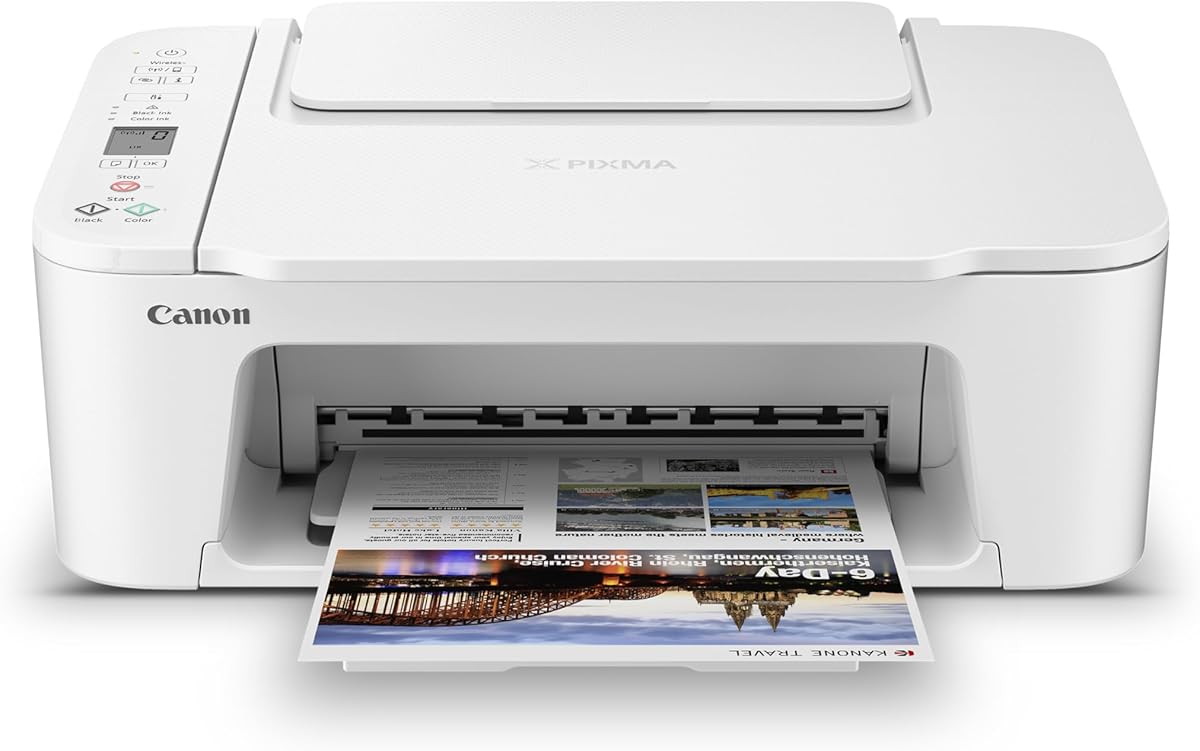
Canon PIXMA TS3720
4.0Editor score
Simple setup process
Dual band Wi-Fi
Compact design
Finding the right Airprint printers for iOS devices is crucial for seamless workflow. You need reliable connectivity and crisp output to stay productive. Whether at home or office, the best printer integrates effortlessly with your Apple ecosystem.
We evaluated ten top models based on wireless stability and print quality. Our analysis covers versatility, speed, and ease of setup for iPhone and iPad users. Each entry represents a distinct option to fit various user needs.
Every pick includes key specs and real user feedback to guide your choice. We highlight standout features like duplex printing and mobile app support. Note that prices fluctuate regularly, so check current listings before buying.
4.0Editor score

4.2Editor score

4.3Editor score
As an Amazon Associate we earn from qualifying purchases.
This side-by-side comparison highlights key specifications across all ten selected models. We focus on connectivity, paper handling, and ink systems to help you decide quickly.




The Canon PIXMA TS6520 stands out as a top choice for iOS users needing reliable Airprint support. With a 4.2 rating, it balances cost and performance effectively. Its compact design fits well in home offices while delivering sharp text and vivid colors.
We may earn a commission when you buy through this link, at no additional cost to you.
This model excels with dual-band Wi-Fi ensuring consistent connections from iPhones and iPads. The OLED display simplifies navigation and ink monitoring. Automatic duplex printing saves paper and enhances workflow efficiency for daily documents.
While the ink capacity is modest, the hybrid system delivers excellent quality per page. Users might miss an auto document feeder but scanning via the glass bed works well. The trade-off suits light to moderate home users.
For most iOS users seeking a balance of features and price this printer is ideal. It handles photos and documents with ease. We recommend it for those prioritizing style and seamless mobile integration over heavy volume.
Apple AirPrint allows printing without extra apps ensuring a smooth experience across devices.
The hybrid ink system delivers sharp text and rich colors perfect for standard photos.
We may earn a commission when you buy through this link, at no additional cost to you.
The Canon PIXMA TS4320 offers exceptional value for budget-conscious buyers needing Airprint. Rated 4.0 stars it provides core functions like scanning and copying efficiently. Its eco-conscious certification adds appeal for green-minded households.
We may earn a commission when you buy through this link, at no additional cost to you.
Users benefit from dual-band Wi-Fi maintaining stable links to iPhones. The hybrid ink system ensures crisp outputs for documents and photos. Setup is straightforward making it accessible for non-technical users.
It lacks advanced features like an auto document feeder or large paper capacity. However for basic home printing needs it performs reliably. The compact footprint fits small desks without sacrificing functionality.
This printer is perfect for students or light users seeking affordability. It supports mobile printing well via AirPrint. We recommend it for those prioritizing cost savings and environmental friendliness over speed.
ENERGY STAR and EPEAT ratings help reduce environmental impact while using.
Quick setup ensures you start printing from your iOS device within minutes.
We may earn a commission when you buy through this link, at no additional cost to you.
The Epson EcoTank ET-2803 redefines cost-per-page with its supertank system. Rated 4.2 stars it offers enough ink for years. This makes it ideal for households printing frequently without constant cartridge replacements.
We may earn a commission when you buy through this link, at no additional cost to you.
Features like Micro Piezo Heat Free technology ensure sharp text and photos. The wireless connection works smoothly with AirPrint for iOS devices. Voice-activated printing adds a modern convenience for smart home setups.
Initial cost is higher but long-term savings outweigh it significantly. Refilling is mess-free with EcoFit bottles. While slower than laser models the quality justifies the time for home office tasks.
Buyers needing high-volume printing will love this value proposition. It reduces waste and maintenance hassle. We recommend it for families or small offices prioritizing ink economy over speed.
Refillable tanks eliminate frequent cartridge changes saving time and money.
Hands-free voice commands add ease of use for busy users.
We may earn a commission when you buy through this link, at no additional cost to you.
The Brother Work Smart 1360 combines practical features for home offices at a reasonable price. With a 3.8 rating it handles daily tasks well. The color display and cloud app integration streamline document management.
We may earn a commission when you buy through this link, at no additional cost to you.
Users enjoy an automatic document feeder reducing manual scanning time. Print speeds are decent for a color jet. AirPrint compatibility ensures seamless printing from iPhones and iPads without hassle.
While ratings are modest it offers solid build quality and functionality. The paper tray size is limited for larger jobs. Still the included mobile app helps manage ink usage effectively.
Ideal for light business users needing a scanner and printer combo. It supports versatile connectivity options. We recommend it for those needing document handling features on a budget.
Direct scanning to cloud apps like Dropbox saves storage space effortlessly.
Monitor ink levels remotely via the dedicated mobile app interface.
We may earn a commission when you buy through this link, at no additional cost to you.
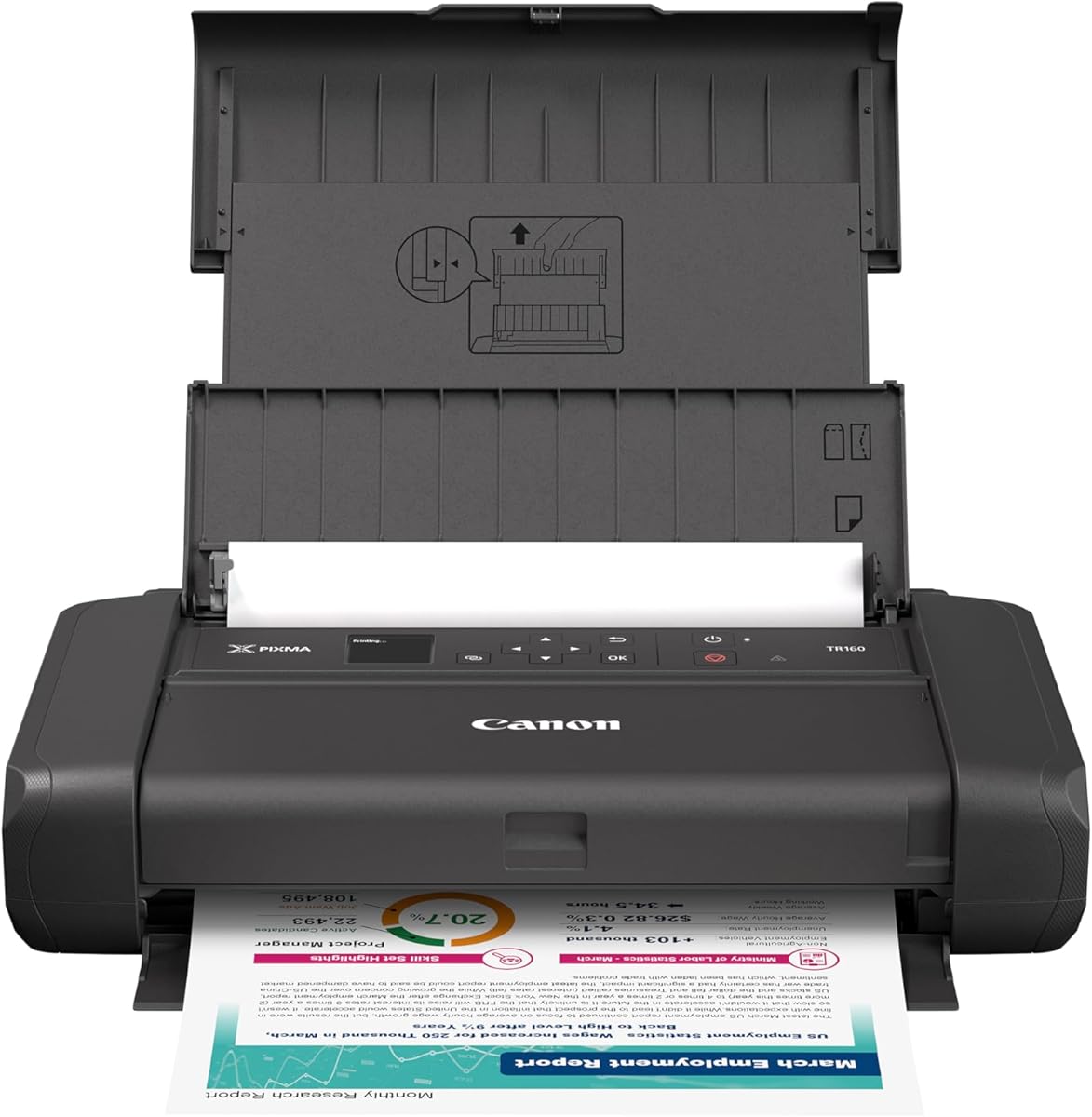
The Canon PIXMA TR160 is engineered for travelers needing reliable AirPrint on the go. Rated 4.2 stars it packs full-size printing into a slim profile. It fits easily in backpacks without compromising output quality.
We may earn a commission when you buy through this link, at no additional cost to you.
Wireless Direct mode allows connection without a router making it perfect for hotel rooms. The hybrid ink system ensures vibrant colors for photos. Setup via the Canon PRINT app is quick and intuitive.
The OLED display provides clear status updates at a glance. Users might face frequent ink changes due to smaller volume. But portability often outweighs this for occasional printing needs.
Perfect for students or professionals working remotely. It delivers crisp text and sharp images anywhere. We recommend it for those prioritizing mobility and design over bulk printing.
Lightweight design allows carrying to coffee shops or work sites.
Connect directly to iOS devices via Wireless Direct Mode easily.
We may earn a commission when you buy through this link, at no additional cost to you.
The Epson EcoTank ET-2903 delivers premium performance with long-term value. Rated 4.3 stars it offers three years of ink upfront. This model excels in speed and photo resolution for demanding home users.
We may earn a commission when you buy through this link, at no additional cost to you.
With 11 PPM print speeds it keeps up with busy workflows. The color touchscreen simplifies navigation and settings. AirPrint support ensures smooth printing from iPhones and iPads without drivers.
Cost is high initially but ink savings over years are massive. The permanent printhead enhances reliability significantly. Users get high-resolution output ideal for both work and creative projects.
Ideal for heavy users wanting a workstation-grade printer at home. It balances speed and cost-per-page perfectly. We recommend it for those prioritizing volume and quality above upfront price.
Three years of included ink eliminates frequent refills or purchases.
High dpi resolution ensures gallery-quality prints on various media.
We may earn a commission when you buy through this link, at no additional cost to you.
The Canon TS5320 blends style and function for modern home offices. Rated 4.0 stars it features an OLED display for easy status viewing. Its sleek design comes in distinct colors to match decor.
We may earn a commission when you buy through this link, at no additional cost to you.
AirPrint works seamlessly allowing printing from iOS devices instantly. The hybrid ink system produces sharp text and vibrant photos. Dash replenishment keeps ink levels monitored automatically for convenience.
It lacks an auto document feeder limiting heavy scanning tasks. Ink costs may be higher than tank models over time. However the ease of use and design appeal justify this for many.
Perfect for style-conscious users needing basic all-in-one features. It delivers quality and connectivity reliably. We recommend it for those who value aesthetics and simplicity in their workspace.
Distinct color options allow matching the printer to your decor.
Bright OLED screen provides clear info even from across the room.
We may earn a commission when you buy through this link, at no additional cost to you.
The Canon IP8720 stands out for creative pros needing wide-format AirPrint support. Rated 4.0 stars it handles 13×19 inch prints flawlessly. The 6-color ink system delivers incredible detail for black and white or color.
We may earn a commission when you buy through this link, at no additional cost to you.
With 9600 dpi resolution photos are gallery quality. Wireless connectivity works smoothly with iOS devices for instant output. Cloud compatibility adds flexibility for remote printing from anywhere.
It occupies significant desk space and prints slower than standard models. Ink costs are higher due to specialized cartridges. Yet for serious photographers or designers these trade-offs are worthwhile.
Ideal for creatives needing large photo prints without studio gear. It balances quality and connectivity well. We recommend it for those prioritizing output size and fidelity over speed.
Print up to 13×19 inch photos without cropping or quality loss.
9600 dpi ensures stunning detail and accurate color for photos.
We may earn a commission when you buy through this link, at no additional cost to you.
The Canon TS5120 offers versatile connectivity options for diverse workflows. Rated 4.2 stars it supports Bluetooth and Wi-Fi for flexibility. Cloud link allows printing from social media and web sources easily.
We may earn a commission when you buy through this link, at no additional cost to you.
Auto power on/off features enhance convenience and energy efficiency. It supports various mobile systems making it compatible with iOS and Android. Setup is straightforward for tablets and phones.
Being an older model some newer features may be missing. Ink cartridges add to long-term costs. But the connectivity options make it a robust tool for home users.
Perfect for tech-savvy users needing multiple connection types. It ensures smooth printing across devices reliably. We recommend it for those who prioritize connectivity flexibility and ease of use.
Bluetooth and Wi-Fi provide flexible connection options for various needs.
Direct cloud link allows printing from photos and files online.
We may earn a commission when you buy through this link, at no additional cost to you.
The Canon PIXMA TS3720 provides essential AirPrint capabilities at an entry price. Rated 4.0 stars it covers basics like print and scan for home users. Setup is streamlined allowing quick use straight out of box.
We may earn a commission when you buy through this link, at no additional cost to you.
Dual-band Wi-Fi ensures stable connections to iOS devices. The LCD screen helps monitor ink and printer status easily. It supports square photos and basic document needs well.
Lack of duplex printing and slower speeds limit heavy office use. However for occasional needs it remains reliable and efficient. The warranty adds peace of mind for new buyers.
Ideal for students or small households needing cost-effective printing. It balances simplicity with functionality well. We recommend it for those prioritizing affordability and basic connectivity over speed.
Low price point makes it accessible for budget-conscious home users.
Streamlined setup process gets you printing from mobile devices quickly.
We may earn a commission when you buy through this link, at no additional cost to you.
Selecting the right printer involves evaluating connectivity ink costs and print speed to match your daily needs.
AirPrint is standard but models vary in Wi-Fi bands Bluetooth support and direct wireless connections. Ensure dual-band Wi-Fi prevents interference in busy networks.
Prioritize printers with AirPrint and app support to guarantee seamless integration with iOS.
Cartridge models are cheaper upfront but supertank systems save money over time for high-volume users. Consider long-term ink costs before buying.
Tank printers reduce waste and refills making them ideal for frequent printing needs.
Speed affects productivity; black text prints faster than color photos. Check ppm ratings for realistic expectations on daily document loads.
Select faster speeds if you handle large batches of documents regularly.
Auto document feeders streamline scanning and duplex printing saves paper automatically. These features enhance workflow efficiency for office tasks.
Look for auto duplex and ADF if scanning and double-sided prints are common.
Compact models save desk space while larger ones offer more trays and functions. Balance footprint against feature needs for your workspace.
Choose compact designs for small offices and larger ones for dedicated print stations.
OLED and color screens simplify navigation and ink checks. A clear display enhances user experience during routine tasks.
Opt for touchscreens or OLED displays for easier operation.
High resolution and pigment inks improve color accuracy and detail. This matters if you print photos or graphics often.
Check dpi and ink types if visual quality is a priority.
Consider initial price plus ink or toner expenses over years. Tank systems often have lower recurring costs.
Evaluate both purchase price and supply costs before deciding.
Ensure your iPhone or iPad connects to the same Wi-Fi network as the printer before printing. Use the system share menu and select print to send documents instantly.
Keep print heads clean by running maintenance cycles periodically via the app or device menu. This prevents clogs especially when printing infrequently.
Use genuine or recommended inks to protect warranty and maintain print quality. Store paper in a dry place to avoid jams.
Yes all listed models support Apple AirPrint natively allowing printing directly from iOS devices without additional software. Some apps enhance features but are not required.
Epson EcoTank models offer the lowest cost per page due to refillable ink tanks. They include enough ink for years reducing ongoing supply costs significantly.
All reviewed printers support photo printing. Models like Canon IP8720 and TS6520 offer high quality for vibrant 4×6 or larger prints.
An auto document feeder simplifies scanning multiple pages at once. It saves time if you often copy or scan multi-page documents.
Most support dual-band 2.4GHz and 5GHz Wi-Fi for stable connections. Ensure your router supports both bands to avoid connectivity issues.
Check network alignment and restart devices. Ensure printer firmware is updated. Use the system settings to re-add the printer if needed.
We explored ten top printers balancing features and value. Canon TS6520 leads overall while Epson EcoTank models deliver long-term savings.
Prioritize tank systems for frequent printing and compact designs for small spaces. Match your needs to features like duplex printing or photo quality.
Prices change regularly so verify current listings before purchase. We hope this guide helps you find the ideal Airprint printer for your setup.