
Teltonika RUTM50
4.8Editor score
Industrial-grade durability
RMS remote management
Gigabit Ethernet ports
This guide compares ten top 5G routers with external antenna ports for superior signal strength, speed, and reliability in homes, RVs, and remote offices.
Finding a reliable 5G router with external antenna ports ensures stable connectivity in remote or rural locations. These devices support high-gain antennas to boost signal strength and deliver faster data rates for demanding applications.
We evaluated ten models based on 5G modem performance, Wi-Fi standards, antenna compatibility, and security features. Each option offers unique strengths for home, mobile, or industrial networking needs.
Every pick highlights key specs, pros, and cons to help you choose the right router. Prices and availability may vary, so check current listings before making your final purchase decision.
4.8Editor score

4.2Editor score

5.0Editor score
Below is a side-by-side comparison of all ten routers, highlighting key specifications, connectivity options, and antenna features to simplify your selection process.




The GL.iNet GL-X3000, also known as Spitz AX, delivers reliable 5G connectivity for homes and RVs. It rates well for its flexible Dual-SIM design and high-speed Wi-Fi 6 performance.
We may earn a commission when you buy through this link, at no additional cost to you.
Its six detachable antennas let you upgrade to external high-gain options for better reception. The OpenWrt-based firmware provides deep customization and robust security for remote access.
While the price is higher than basic models, the dual-SIM failover and VPN support justify the investment for critical applications. Some users note speed depends on local network conditions.
This router is ideal for travelers and remote workers who need secure, uninterrupted internet. It balances power and ease of use effectively for diverse networking scenarios.
Dual-SIM support ensures you can switch carriers or failover instantly if one network drops.
Pre-installed OpenVPN and WireGuard encrypt traffic, keeping your data safe on public networks.
We may earn a commission when you buy through this link, at no additional cost to you.
The RM520N AX3000 brings Qualcomm SDX62 5G modem power to users needing fast, stable connections. Its nine detachable antennas offer excellent flexibility for optimizing signal.
We may earn a commission when you buy through this link, at no additional cost to you.
It supports up to 128 simultaneous WiFi users, making it suitable for crowded environments. Multi-WAN technology allows seamless switching between cellular, Ethernet, and other sources.
However, users should expect a learning curve when configuring VPNs and antenna setups. Performance relies heavily on the quality of external antennas and local network conditions.
This model fits households or small offices with high bandwidth needs. It’s a strong contender if you prioritize raw speed and hardware flexibility over simplicity.
With nine ports, you can optimize both cellular and WiFi antenna placement for maximum gain.
Multi-WAN load balancing keeps your connection alive even if one source fails.
We may earn a commission when you buy through this link, at no additional cost to you.
The Teltonika RUTM50 targets industrial users who need extreme reliability and remote management. It stands out for its rugged enclosure and RMS platform integration.
We may earn a commission when you buy through this link, at no additional cost to you.
Dual SIM failover ensures continuous connectivity by switching between carriers automatically. Gigabit Ethernet ports provide stable wired connections for critical devices.
While it uses WiFi 5 instead of WiFi 6, the focus on durability and security suits industrial environments. The RMS system simplifies monitoring large fleets of devices.
Ideal for factories, farms, or remote infrastructure, this router justifies its cost with superior stability. If uptime is your priority, this premium model delivers.
RMS platform allows you to configure and update devices without physical access.
Built-in firewall and VPN options protect data in sensitive industrial settings.
We may earn a commission when you buy through this link, at no additional cost to you.
The Cudy P5 offers a balanced mix of 5G performance and affordability for home or small business use. It supports dual SIM slots and triple failover for robust connectivity.
We may earn a commission when you buy through this link, at no additional cost to you.
With four detachable cellular antennas, you can enhance signal quality in weak areas. The Mesh satellite feature extends coverage across larger properties effectively.
While the interface is straightforward, it lacks some advanced customization options found in higher-end models. Still, it delivers solid performance for its price range.
Best for users needing a straightforward 5G router without complex setup. Its failover system ensures you stay online even if primary connections fail.
Add mesh satellites to eliminate dead zones and improve whole-home coverage.
Triple failover keeps your connection alive by switching between WAN and cellular links.
We may earn a commission when you buy through this link, at no additional cost to you.
The MikroTik D53G Chateau LTE6-US is a carrier-certified device designed for homes needing stable LTE internet. It features five Gigabit Ethernet ports and a quad-core CPU.
We may earn a commission when you buy through this link, at no additional cost to you.
While it supports LTE6 rather than 5G, it delivers strong speeds in rural areas where carrier aggregation helps. Its build quality and port variety suit wired-heavy setups.
MikroTik’s RouterOS offers deep control but requires technical knowledge to configure. It’s less user-friendly than consumer brands but more powerful for advanced users.
Best for tech-savvy homeowners prioritizing wired connections and carrier reliability. If 5G isn’t critical, this model offers solid performance for a reasonable cost.
Certified for specific carriers to ensure compatibility and stable network access.
RouterOS enables complex configurations like VLANs, traffic shaping, and firewalls.
We may earn a commission when you buy through this link, at no additional cost to you.
The NetBox 5 upgrades a popular model with Wi-Fi 6, targeting outdoor and point-to-point deployments. Its durable enclosure handles harsh weather conditions well.
We may earn a commission when you buy through this link, at no additional cost to you.
PoE input simplifies installation by reducing cable clutter. It works well as an access point or CPE for extending networks outdoors.
While it lacks advanced antenna options, its focus on rugged simplicity suits industrial or rural installations. Setup is straightforward for basic network needs.
Best for users needing a reliable outdoor access point with modern Wi-Fi. It complements other routers by extending coverage to remote zones.
Designed to withstand rain, heat, and cold for outdoor installations.
PoE input means you can power and connect via a single Ethernet cable.
We may earn a commission when you buy through this link, at no additional cost to you.
The LHG XL offers extreme long-range wireless links, reaching up to 30 km. Its 27 dBi antenna ensures strong connectivity for rural or remote deployments.
We may earn a commission when you buy through this link, at no additional cost to you.
IP54 rated and PoE powered, it handles outdoor conditions well. RouterOS v7 brings modern features for configuration and management.
It requires aiming and isn't a cellular router itself. However, as a CPE for bridging distant buildings, it excels at stability and performance.
Ideal for farms, warehouses, or properties needing wireless backhaul. Its simplicity and range make it a top choice for outdoor networking.
Create stable connections between buildings over long distances effortlessly.
IP54 rating protects against dust and water for reliable outdoor use.
We may earn a commission when you buy through this link, at no additional cost to you.
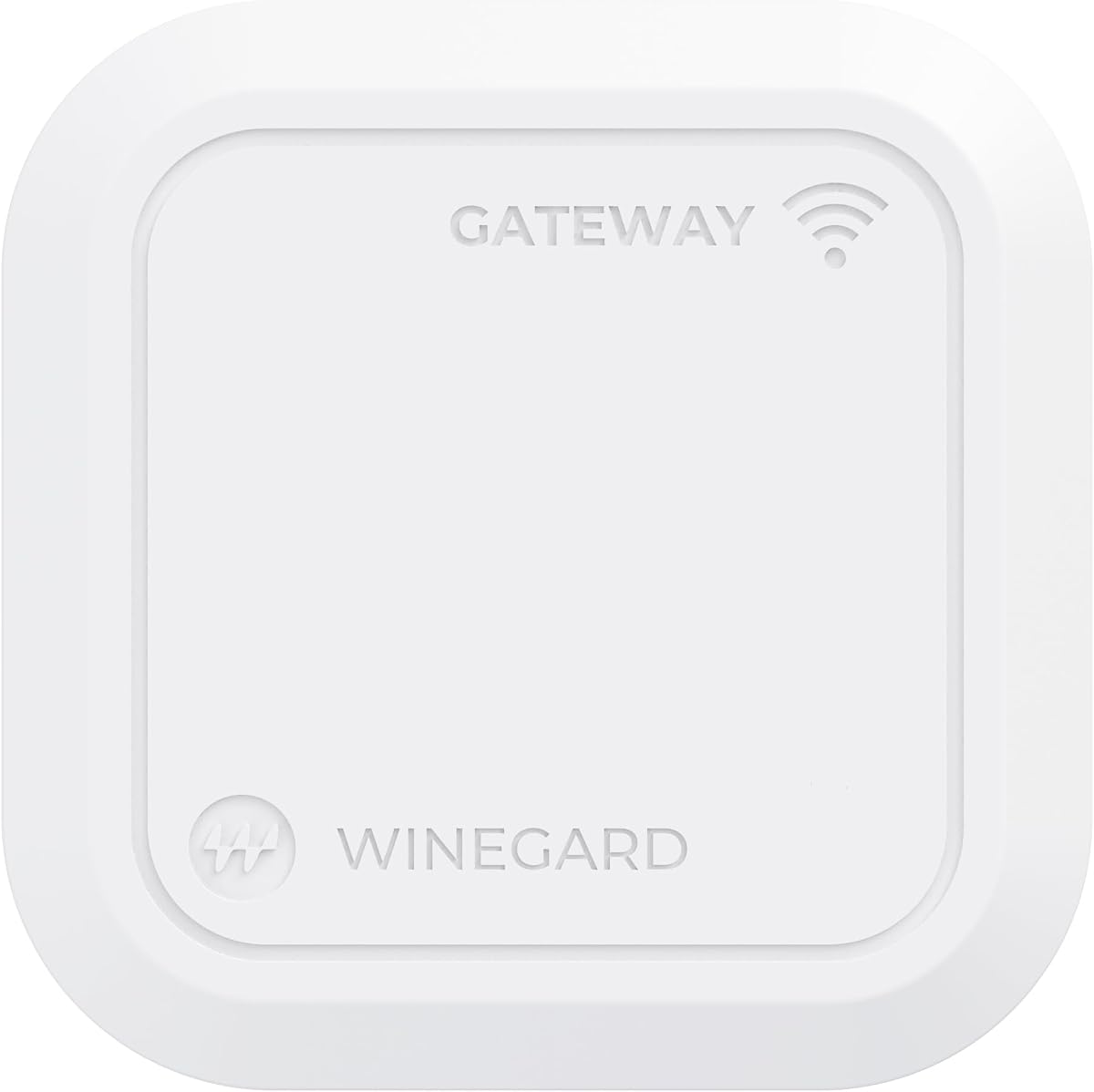
The Winegard Gateway 5G is built for RVs, integrating with Air 360+ systems for seamless travel connectivity. It supports multiple carriers and hybrid setups like Starlink.
We may earn a commission when you buy through this link, at no additional cost to you.
Dual-band Wi-Fi ensures stable connections inside the RV. Its ceiling mount design simplifies installation for vehicle owners.
However, the high price and reliance on Winegard’s ecosystem may limit flexibility. It works best if you already use Winegard equipment.
Best for RV travelers wanting a unified internet solution. Its compatibility and hybrid support make it valuable for mobile lifestyles.
Seamlessly switch carriers and locations while keeping your network active.
Combine cellular with satellite or other sources for better reliability.
We may earn a commission when you buy through this link, at no additional cost to you.
The GL-E5800 brings Wi-Fi 7 and 5G to travelers with its built-in battery and eSIM. It supports tri-band Wi-Fi and multiple SIM options for global connectivity.
We may earn a commission when you buy through this link, at no additional cost to you.
Its 2.5G Ethernet and USB-C ports handle high-speed data transfer. The touchscreen simplifies carrier switching without opening apps.
It’s expensive and may be overkill unless you need extreme performance. However, for content creators or business travelers, it delivers unmatched flexibility.
Best for professionals needing portable, high-speed connectivity. Its Wi-Fi 7 and eSIM support make it future-proof for emerging networks.
Use eSIM to switch countries without swapping physical SIM cards.
Built-in battery lets you use the router without external power sources.
We may earn a commission when you buy through this link, at no additional cost to you.
The Waveform QuadMini is a low-profile omnidirectional antenna kit that boosts 5G signal for routers with multiple ports. It simplifies improving connection stability.
We may earn a commission when you buy through this link, at no additional cost to you.
Its 4×4 MIMO isolation helps data rates. The kit includes cables and mounting options for versatile placement.
While not a router itself, it pairs well with compatible models. Users needing better signal will find it easy to set up.
Best for upgrading existing routers with external antennas. Its simplicity and MIMO support make it a valuable accessory for weak areas.
Designed to work with 4-port routers for maximum data rates.
Complete kit with all cables and tools needed for setup.
We may earn a commission when you buy through this link, at no additional cost to you.
Selecting the right router involves matching hardware specs to your environment and data needs.
Check how many external antenna ports the router has and their type. SMA connectors are common and allow upgrading to high-gain external antennas for better signal in remote areas.
Ensure the router supports at least four antenna ports if you plan to use advanced MIMO antennas.
Look for modems supporting 5G NSA and SA standards to maximize speeds. Qualcomm SDX62 or newer models provide reliable throughput and carrier compatibility.
Higher modem speed ratings mean better performance when network coverage is available.
Choose routers with Wi-Fi 6 or 7 for faster internal speeds and better handling of multiple devices. Wi-Fi 6E offers additional 6GHz spectrum for less congestion.
Ensure your devices support the same standards to take full advantage.
Dual-SIM slots or eSIM support give you failover options. This keeps you online even if one carrier drops signal, crucial for business or travel.
Check carrier certifications to confirm compatibility with your local providers.
Gigabit Ethernet ports provide stable connections for wired devices and backhaul. Multiple LAN ports let you connect computers, cameras, or printers directly.
If you have many wired devices, prioritize routers with at least four Gigabit ports.
Built-in VPN clients protect your data on public networks. Look for OpenVPN, WireGuard, and IPsec support to secure your connection from anywhere.
Firewalls and encryption features add layers of protection against threats.
Open-source or custom firmware allows deep customization. RMS or cloud management simplifies remote configuration for industrial or large setups.
User-friendly apps help casual users adjust settings without technical expertise.
For outdoor or mobile use, choose weatherproof or rugged models with PoE. Travel routers should be compact with battery power for flexibility.
Match the device’s design to where you’ll deploy it most often.
Start by inserting your SIM card(s) and connecting the antenna cables to the SMA ports. Place the antenna in a location with clear sky view for best reception.
Access the admin panel via browser or mobile app to configure network settings, carriers, and VPNs. Save configurations regularly for easy recovery.
Keep firmware updated and check antenna connections periodically. Avoid exposing outdoor units to extreme weather beyond their ratings for longevity.
External antennas improve signal strength, especially in rural or weak coverage areas. They allow higher MIMO performance and can double data rates compared to internal antennas alone.
SMA connectors are the standard for most routers. Ensure your antennas match the connector type and gender to avoid damage during installation.
Yes, models with dual-SIM or eSIM support allow you to switch or failover between carriers. Check certification to ensure compatibility with your local networks.
Many models are designed for mobile use with weatherproof enclosures or mount options. RV-specific routers integrate better with existing cellular dome systems.
Yes, low-loss cables with correct connectors are needed to maintain signal quality. Use the included or recommended cables to minimize interference.
Place the router near a window with clear outdoor view. Avoid metal obstructions and test signal strength at different spots before finalizing.
No, adding more ports than available can damage the router. Only connect antennas to the designated SMA ports to maintain hardware integrity.
Coverage depends on your local carrier’s network. Check their 5G maps and ensure the router supports your area’s frequency bands for best results.
From the GL.iNet GL-X3000’s flexibility to the Teltonika RUTM50’s ruggedness, there’s a perfect router for every scenario. Each offers unique strengths in speed, stability, and management.
Prioritize antenna ports, modem support, and dual-SIM options if reliability matters most. Match features to your environment to get the best value.
Prices and promotions change often. Always check current listings before buying to ensure you secure the best deal for your needs.