
INNOCN 49C1G
4.4Editor score
144Hz refresh rate
32:9 aspect ratio
USB-C power delivery
Choosing the right display can transform your workspace or gaming setup. An ultrawide curved monitor offers immersive visuals and enhanced productivity. This guide helps you find the perfect fit for your needs.
We evaluated top models based on resolution, refresh rate, panel type, and connectivity. Our analysis focuses on performance, comfort, and value to ensure you make an informed decision for your specific use case.
Each pick highlights key strengths and ideal scenarios. Prices fluctuate frequently, so verify current deals before purchasing. Use this resource to narrow down your options efficiently.
4.4Editor score

4.2Editor score

4.1Editor score
As an Amazon Associate we earn from qualifying purchases.
The following table provides a side-by-side comparison of all ten models. Review key specifications to identify which monitor aligns best with your performance requirements and budget constraints.

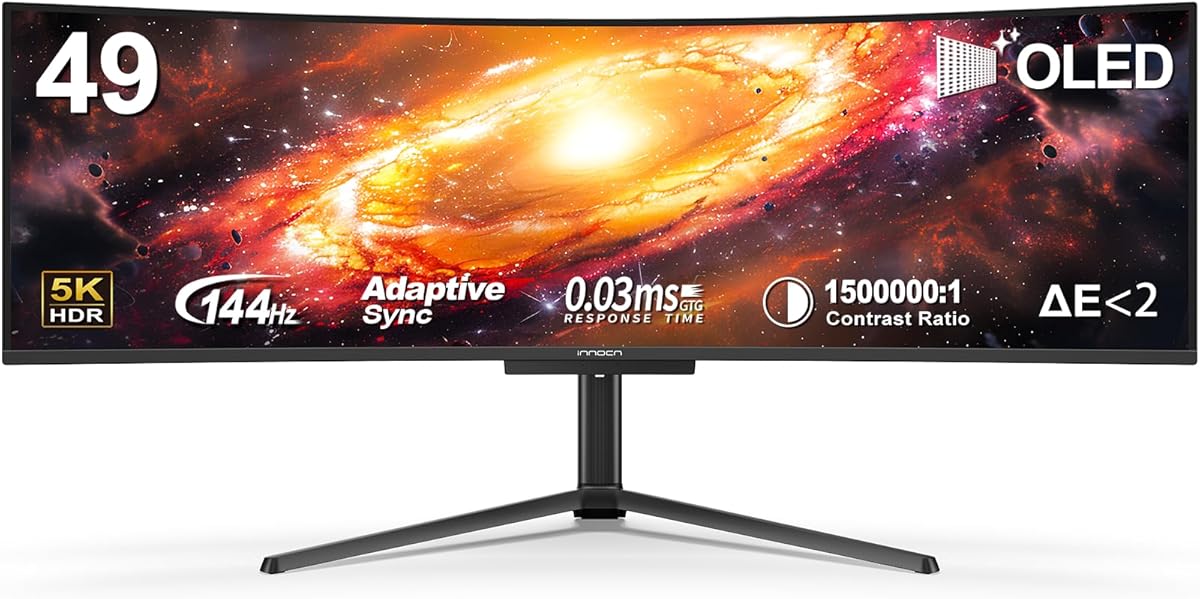


The INNOCN 49C1R stands out as a top contender for those seeking a large ultrawide display. Its 5K2K resolution delivers exceptional clarity for multitasking and creative work. Users appreciate the balance between performance and features.
We may earn a commission when you buy through this link, at no additional cost to you.
This monitor excels in productivity scenarios thanks to its 32:9 aspect ratio. You can view multiple windows side by side without bezel interruptions. The USB-C port simplifies connections for laptops while providing power delivery.
While excellent, the high resolution demands a capable graphics card for smooth gaming. The 120Hz refresh rate is smooth but not the fastest on the market. These trade-offs are acceptable for most productivity-focused users.
Ideal for professionals and enthusiasts who need screen real estate. The adjustable stand ensures comfort during long sessions. We recommend this model for those prioritizing clarity and workflow efficiency over extreme gaming speeds.
The 5120×1440 resolution ensures text and images appear sharp. This is crucial for design work or detailed spreadsheet management.
USB-C with 65W power delivery reduces cable clutter. Connect laptops and charge devices simultaneously through a single port.
We may earn a commission when you buy through this link, at no additional cost to you.
The INNOCN 49C1G offers an accessible entry into ultrawide gaming and productivity. Its lower resolution keeps the price competitive while maintaining a massive 49-inch canvas. Users find it reliable for casual use and light content creation.
We may earn a commission when you buy through this link, at no additional cost to you.
Performance remains strong with a 144Hz refresh rate. This ensures fluid motion in games and smooth scrolling through documents. The built-in speakers add convenience for media consumption without extra peripherals.
The 3840×1080 resolution means pixels are more visible compared to higher-density screens. This can affect text sharpness for some users. However, the trade-off allows for a much more affordable experience overall.
Best suited for gamers on a budget or those new to ultrawides. The ergonomic adjustments support comfortable viewing angles. Consider this if cost is a primary factor without sacrificing screen size.
You get a large screen and high refresh rate without premium costs. Ideal for budget-conscious buyers wanting modern features.
Built-in speakers and USB-C simplify desk setup. Reduce cable clutter and external audio needs effectively.
We may earn a commission when you buy through this link, at no additional cost to you.
Samsung's Odyssey G93SC delivers a premium experience through QD-OLED technology. The contrast and color depth are superior to traditional LCD panels. Gamers and creatives alike appreciate the visual fidelity and speed this monitor provides.
We may earn a commission when you buy through this link, at no additional cost to you.
A 240Hz refresh rate and 0.03ms response time eliminate motion blur. This creates an edge in competitive gaming scenarios. HDR True Black 400 enhances dark scenes with rich detail and deep shadows.
The price reflects the cutting-edge technology used in the panel. Additionally, OLED panels carry a theoretical risk of burn-in over time. These factors make it a niche choice for enthusiasts who prioritize performance.
Ideal for high-end gaming rigs and professional creative work. The design and build quality feel luxurious and durable. Choose this if you demand the absolute best image quality and response speed available.
QD-OLED allows true blacks and infinite contrast ratios. Dark scenes in games appear deep and detailed without glow.
240Hz refresh rate ensures smooth action sequences. Response times are fast enough to eliminate ghosting.
We may earn a commission when you buy through this link, at no additional cost to you.
This LG model transforms your display into a standalone entertainment hub. webOS allows streaming apps without a connected PC. It serves well for media consumption and light productivity tasks on the 34-inch screen.
We may earn a commission when you buy through this link, at no additional cost to you.
The Magic Remote makes navigating menus and apps intuitive. AirPlay 2 ensures seamless streaming from Apple devices. HDR10 support enhances visual depth for movies and shows.
Gaming performance is adequate but not specialized. The 100Hz refresh rate is smooth but lacks adaptive sync features found in gaming models. It is better suited for general use than competitive play.
Perfect for home entertainment setups or casual office use. The curved design reduces eye strain during long viewing sessions. Consider this if you want a smart TV experience on a monitor.
Netflix and Prime Video run directly on the monitor. Eliminate the need for a separate streaming stick or laptop.
Voice and remote control simplify navigation. Adjust settings without reaching for a keyboard or mouse constantly.
We may earn a commission when you buy through this link, at no additional cost to you.
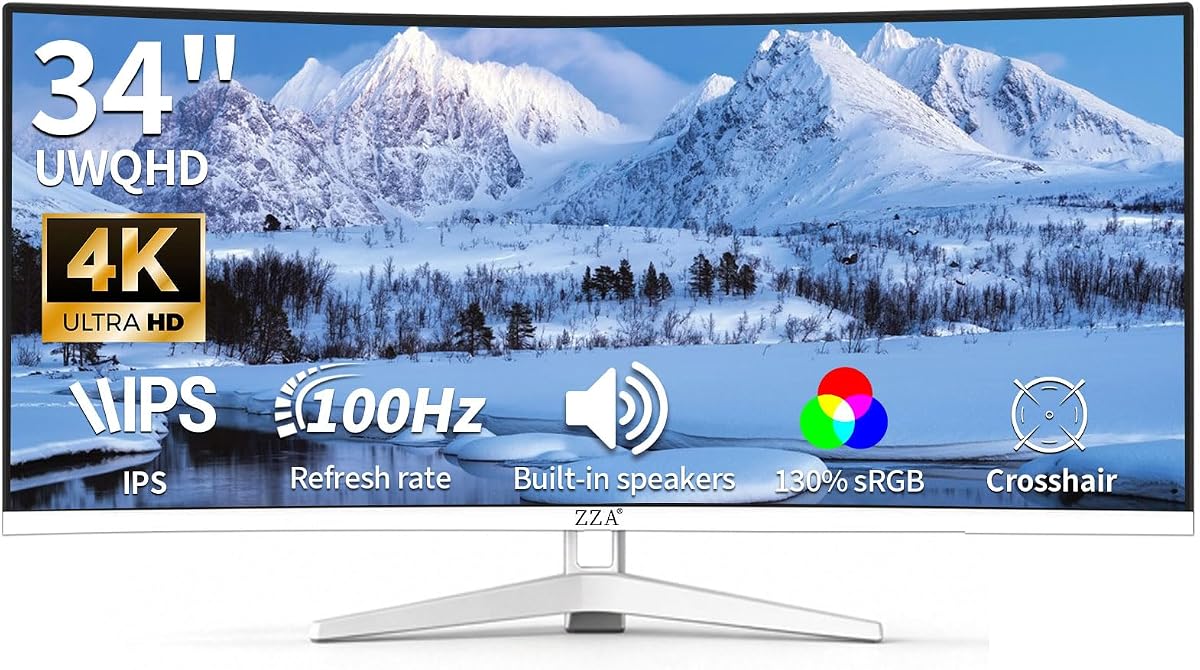
The ZZA 34 Curved monitor stands out with its sleek white frameless design. It complements modern interiors better than standard black screens. The 3440×1440 resolution offers crisp visuals for both work and entertainment.
We may earn a commission when you buy through this link, at no additional cost to you.
Color performance is strong with 130% sRGB coverage. This ensures vibrant content for photos and videos. Built-in speakers add convenience for daily tasks without external hardware.
While visually appealing, it lacks advanced gaming features like high refresh rates. The 100Hz rate is sufficient for casual use but not competitive. It prioritizes style and affordability over cutting-edge performance.
Ideal for users seeking a clean, minimalist aesthetic. The VESA compatibility allows flexible mounting options. Choose this if design matches your workspace theme and budget is a priority.
The white finish offers a unique look for desks. It breaks the monotony of typical black electronics.
Wide color gamut ensures rich media reproduction. Great for viewing photos and colorful content.
We may earn a commission when you buy through this link, at no additional cost to you.
This INNOCN model brings OLED technology to a large ultrawide format. The QD-OLED panel offers deep blacks and vibrant colors similar to premium models. It serves creatives who need color accuracy and immersion.
We may earn a commission when you buy through this link, at no additional cost to you.
The USB-C port delivers 90W power, charging most laptops efficiently. The 5K2K resolution ensures sharp text and details. 144Hz refresh rate adds smoothness for gaming and scrolling.
OLED panels require care to prevent image retention. It is best used with dynamic content. The price reflects the high-end tech but remains competitive compared to rivals.
Ideal for hybrid users wanting professional and entertainment features. The build quality supports various usage scenarios. Consider this for a high-performance screen that offers true blacks.
QD-OLED delivers superior contrast compared to IPS. Dark scenes look natural and detailed.
90W USB-C ensures your laptop stays charged. Connect and power through one cable.
We may earn a commission when you buy through this link, at no additional cost to you.
Sceptre delivers impressive gaming specs at an accessible price point. The 240Hz refresh rate ensures fluid motion in fast-paced games. 1ms response time minimizes input lag significantly.
We may earn a commission when you buy through this link, at no additional cost to you.
Features like Blue-Light Shift protect vision during long sessions. Multiple HDMI and DisplayPort inputs allow versatile connectivity. Built-in speakers provide basic audio without clutter.
The build quality is functional but not premium. Users should manage expectations regarding stand durability. However, for the price, the performance is hard to beat.
Best for competitive gamers on a budget. The high refresh rate offers a tangible advantage in shooters. Consider this if speed is your priority over aesthetics.
240Hz refresh rate helps track fast objects easily. Input lag is low for better reaction times.
Blue-Light Shift reduces strain during night gaming. Supports healthier viewing habits.
We may earn a commission when you buy through this link, at no additional cost to you.
The LG 34WR55QK-B focuses on workspace comfort and utility. The height and tilt adjustable stand ensures ergonomic alignment. This reduces neck strain during extended work hours effectively.
We may earn a commission when you buy through this link, at no additional cost to you.
OnScreen Control simplifies window management and settings. USB-C provides easy laptop connectivity with power delivery. The borderless design maximizes screen real estate visually.
Gaming capabilities are standard with 100Hz refresh. It is not tailored for competitive play but handles casual titles well. Reliability and build quality are key strengths here.
Ideal for office professionals needing reliable hardware. The high user rating reflects satisfaction with comfort. Choose this if ergonomics and ease of use are paramount.
Adjustable stand allows perfect eye level setup. Protects your neck and posture.
USB-C streamlines docking for laptops. Reduces cable clutter effectively.
We may earn a commission when you buy through this link, at no additional cost to you.
This LG model balances refresh rate and utility well. 120Hz refresh rate delivers smooth visuals for media and light gaming. Black Stabilizer enhances visibility in dark game scenes.
We may earn a commission when you buy through this link, at no additional cost to you.
LG Switch simplifies system management and screen splits. Reader Mode reduces blue light for document reading. The slim base saves desk space efficiently.
While not a top-tier gaming monitor, it is versatile. The curve supports comfort during long sessions. It is a reliable choice for general users.
Ideal for mixed-use environments. The high refresh rate adds fluidity without costing premium. Consider this for a dependable all-rounder monitor.
Black Stabilizer brightens shadows in games. Helps spot enemies in dark corners.
Slim base frees up workspace for peripherals. Keeps your desk organized.
We may earn a commission when you buy through this link, at no additional cost to you.
The ViewFinity S5 focuses on color accuracy and comfort. HDR10 provides excellent contrast for creative content. It is built to support professional workflows effectively.
We may earn a commission when you buy through this link, at no additional cost to you.
Eye Saver Mode reduces strain during document work. FreeSync Premium ensures smooth visuals for light gaming. Game Mode adjusts settings instantly for better visuals.
The stand is functional but lacks extensive adjustments. For the price, color fidelity is excellent. It suits creators prioritizing visual quality.
Ideal for designers and editors needing reliable color. The balance of features makes it versatile. Consider this for a productive and comfortable workspace.
Accurate color ensures design outputs match expectations. Reliable for professional content.
Eye Saver Mode reduces blue light exposure. Supports long work hours.
We may earn a commission when you buy through this link, at no additional cost to you.
Selecting the right ultrawide monitor involves evaluating several key factors. Understanding these aspects helps you find a screen that fits your needs.
Resolution determines image sharpness on a large screen. For 49 inches, look for 5120×1440 to maintain text clarity.
Higher resolution supports productivity and design work effectively.
Refresh rate affects motion smoothness. Gamers prefer 144Hz or higher for competitive play. Low response time reduces blur in fast scenes.
Choose based on whether gaming or productivity is your priority.
OLED and QD-OLED offer perfect blacks and rich colors. IPS panels provide wide viewing angles. VA panels balance contrast and response.
Select based on your budget and visual requirements.
A 32:9 ratio maximizes width for multitasking. A 1800R curve wraps around your vision. This reduces eye movement during tasks.
Ensure the curve fits your desk space and viewing distance.
USB-C allows laptop charging and display. HDMI and DisplayPort connect gaming consoles. Multiple ports support multiple devices.
Verify connections match your current setup and peripherals.
Adjustable stands support height and tilt. This prevents neck pain during long sessions. VESA compatibility allows mounting options.
Prioritize stands that offer flexibility and stability.
HDR enhances contrast and brightness. Look for HDR400 or higher. It adds depth to media and gaming.
Choose HDR if you watch movies frequently.
High sRGB coverage ensures vibrant colors. 99% or more is ideal for photo editing. Accurate color supports professional tasks.
Check reviews for real-world color performance.
Position the monitor at arm's length. Center your eyes on the middle of the screen to reduce strain.
Clean the screen with a microfiber cloth. Avoid harsh chemicals that might damage the anti-glare coating.
Calibrate color settings before critical work. Use built-in tools for balanced visuals and comfort.
Yes, they are excellent for multitasking. You can run multiple windows side by side easily. This setup improves workflow and reduces app switching.
A high-end GPU is recommended. Aim for RTX 4080 or similar to drive the high resolution. Lower GPUs may struggle with demanding titles.
Use DisplayPort 1.4 or HDMI 2.1 for high speeds. USB-C works well for laptops. Ensure cables support the required bandwidth.
Check VESA compatibility before mounting. Most support 100x100mm standards. Use a sturdy arm for stability on large screens.
Curvature reduces eye movement during work. It creates a more immersive experience. Ensure the curve matches your desk depth.
Look for blue light filters and flicker-free tech. Ergonomic stands also help. Take regular breaks to maintain eye health.
OLED offers true blacks and fast response. It enhances HDR gaming. Ideal for high visual quality enthusiasts.
Position lights behind you or use diffusers. Matte screens help reduce reflections. Proper lighting prevents eye strain.
The top picks cover diverse needs from budget to premium. Select based on resolution and refresh rate priorities.
Focus on ergonomics and connectivity for comfort. These features support long-term satisfaction effectively.
Prices fluctuate often. Verify current deals before purchasing to ensure value.