
Rongta Bluetooth Shipping Label Printer
4.0Editor score
Wireless Bluetooth connectivity
Compact and portable design
Automatic label identification
Discover the top 4x6 Shipping Label Printer models for 2026. Our guide compares speed, connectivity, and reliability to help you choose the right device.
Finding a reliable 4×6 Shipping Label Printer is essential for modern small businesses and ecommerce sellers. These devices streamline your shipping workflow by producing crisp, scannable labels quickly. A good printer ensures your packages move through carriers without delays caused by poor print quality.
We compared ten leading models based on connectivity options, print speed, and software compatibility. Our analysis focuses on thermal technology, ease of setup, and durability for daily use. Each product offers unique features tailored to different business needs and budgets.
Every pick includes detailed specifications and real-world performance insights. Note that availability and pricing may change over time. We recommend checking the latest product pages for current stock and offers before making your final purchasing decision.
4.0Editor score
4.6Editor score
4.4Editor score
This side by side comparison highlights the key specifications and strengths of each model. Whether you need Bluetooth flexibility or wired reliability, this table helps you identify the best fit for your shipping workflow.



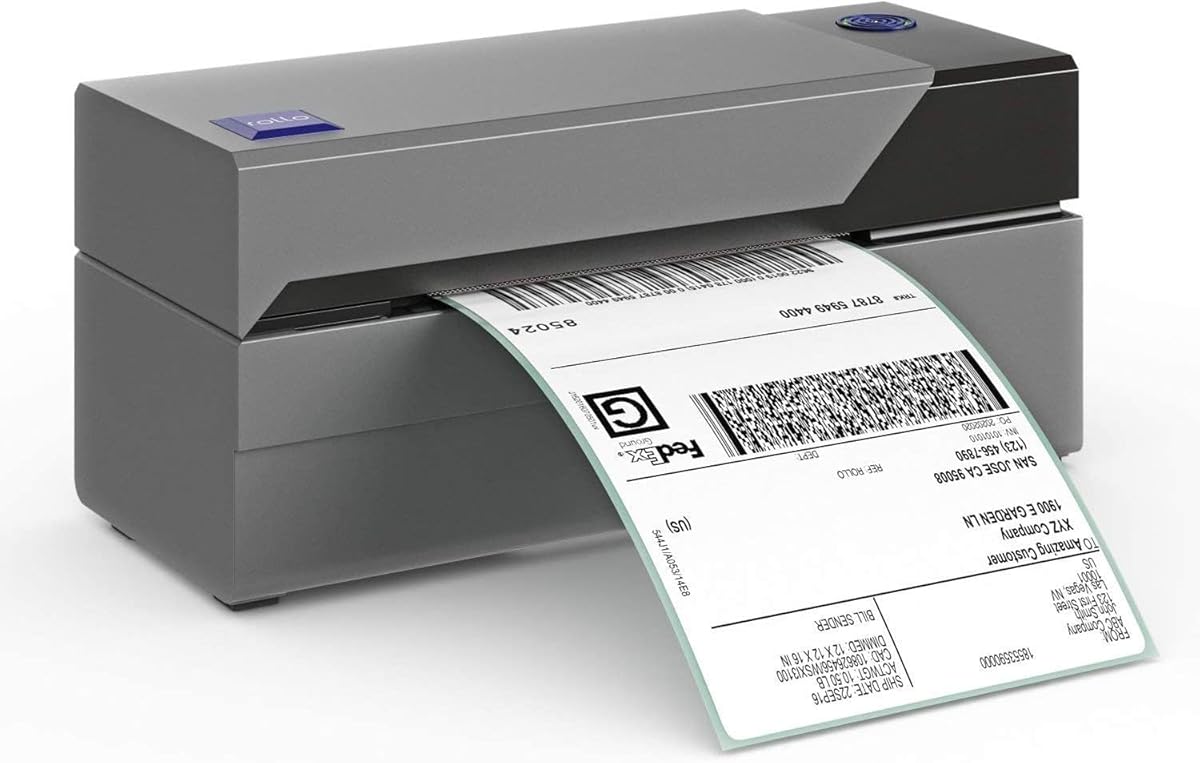
The Rollo USB Shipping Label Printer stands out as a top choice for small businesses seeking reliability. With a high rating of 4.6 stars it delivers consistent performance for ecommerce shipping tasks. Its commercial grade build ensures durability during daily use.
We may earn a commission when you buy through this link, at no additional cost to you.
This model features advanced direct thermal technology that prints at 150mm per second. The 203 DPI print head ensures labels are clear and scannable by carriers. It works seamlessly with platforms like Amazon Shopify and USPS.
One trade-off is the lack of Bluetooth connectivity meaning you must use a USB connection. This limits mobility but ensures a stable connection for high volume printing tasks. The setup is straightforward with provided drivers.
If you prioritize speed and platform compatibility over wireless flexibility this printer is ideal. It suits stationary workspaces where a laptop or desktop is always available. The included app adds value by offering exclusive shipping rates.
The advanced direct thermal method eliminates ink costs and speeds up label production significantly.
Compatible with all major shipping platforms making it versatile for various ecommerce sellers.
We may earn a commission when you buy through this link, at no additional cost to you.
The JADENS Bluetooth Thermal Printer offers a cost effective solution for small business owners. Its 4.4 rating reflects satisfaction with its performance and ease of use. This model balances connectivity options well for home offices.
We may earn a commission when you buy through this link, at no additional cost to you.
Equipped with a Japanese high tech thermal print head it ensures quality output without ink. It supports wireless printing via Bluetooth for Windows and Mac users. Mobile users can print via the Jadens printer app.
While mobile printing requires an app it provides flexibility for on the go tasks. The setup is quick with driver videos included on the U disk. This reduces frustration during initial configuration.
For those on a budget needing both wired and wireless options this is a strong pick. It handles major marketplace labels efficiently. The lack of direct phone Bluetooth is a minor hurdle for most users.
High quality print head ensures clean labels without the mess of toner or ink.
Bluetooth capability allows for flexible printing setups in small office environments.
We may earn a commission when you buy through this link, at no additional cost to you.
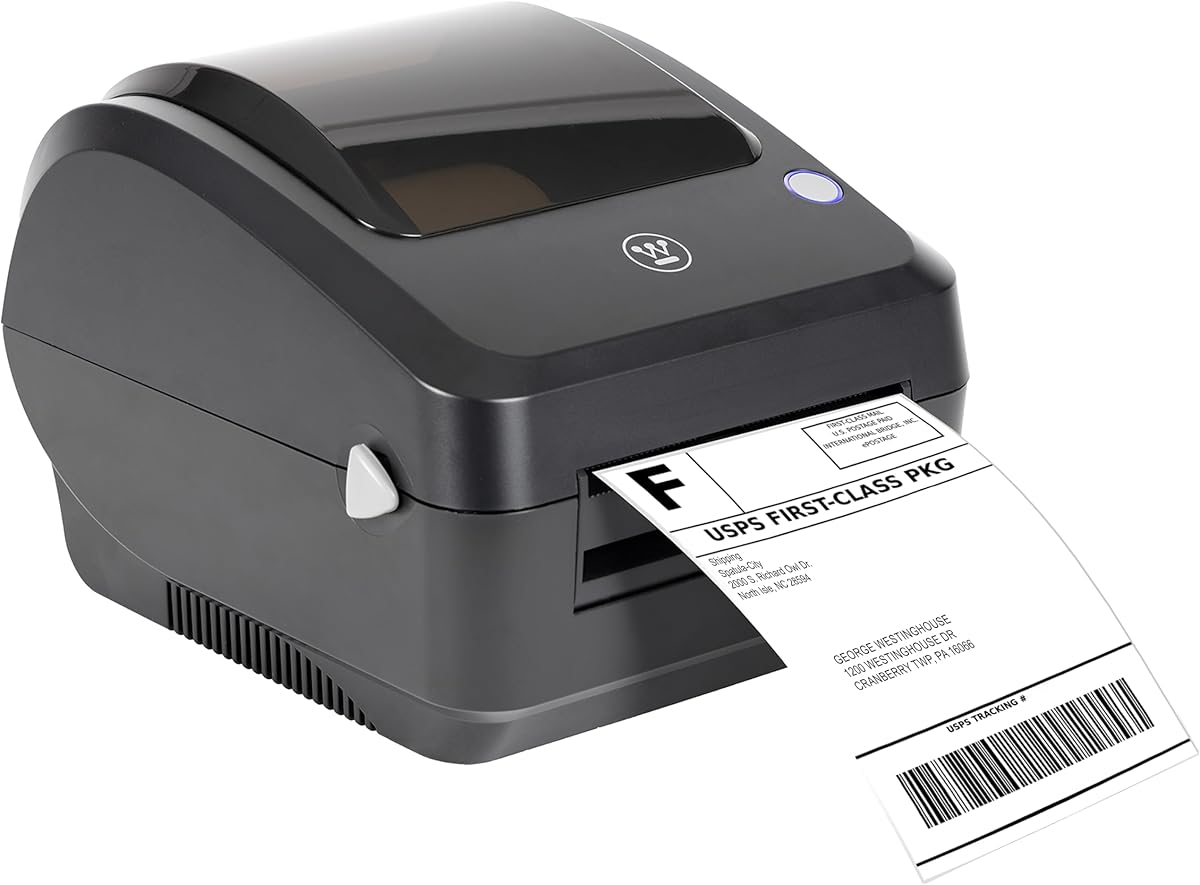
The Westinghouse Thermal Printer brings a premium commercial grade build to your desk. It features Ethernet capability which is rare in this class and enhances network reliability. This is ideal for larger offices needing stable connections.
We may earn a commission when you buy through this link, at no additional cost to you.
Its optimized performance offers a top print speed of 6 inches per second. The direct thermal design eliminates ribbons saving time and money. It supports fanfold labels and rolls for versatile media options.
While Ethernet requires buying a separate cable it provides a robust connection for heavy use. The package includes starter labels and a holder so you can print immediately. Setup requires following the manual for driver installation.
Choose this if you need network integration and durability for daily shipping. It suits businesses where a stable connection matters more than portability. The included accessories add immediate value to the purchase.
Support for router speeds allows for reliable networked printing without USB constraints.
Built to handle daily use in demanding environments like warehouses or shipping centers.
We may earn a commission when you buy through this link, at no additional cost to you.
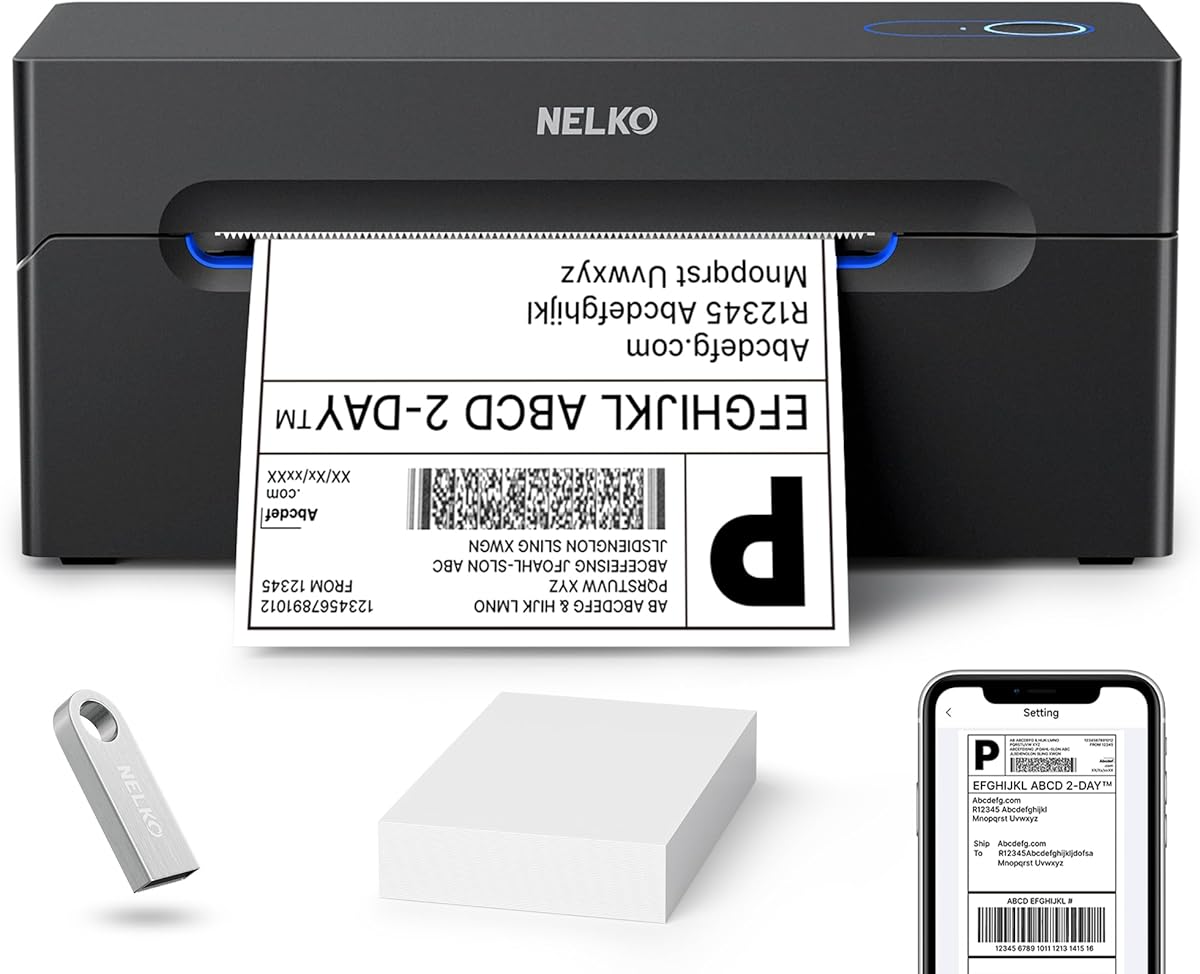
The Nelko Bluetooth Printer is a compact tool designed for efficiency in tight spaces. It prints up to 72 labels per minute which helps manage high volume needs. The Bluetooth feature adds mobility for mobile workers.
We may earn a commission when you buy through this link, at no additional cost to you.
Printing via the NELKO app allows easy access from phones and tablets. It supports various media sizes like 3×2 or 4×6 labels. The thermal technology ensures no ink is needed for clear output.
Mac users with M1 or M2 chips need to install the app for Bluetooth. Standard Mac OS works only via USB which limits wireless flexibility slightly. This trade-off is acceptable for the compact form factor.
Ideal for home sellers or small teams needing a space saving solution. The speed and connectivity options cover most shipping scenarios. Just ensure you download the correct driver for your system.
Space saving footprint fits neatly on any desk without crowding your workspace.
Direct thermal printing removes the need for consumables like ink or toner.
We may earn a commission when you buy through this link, at no additional cost to you.
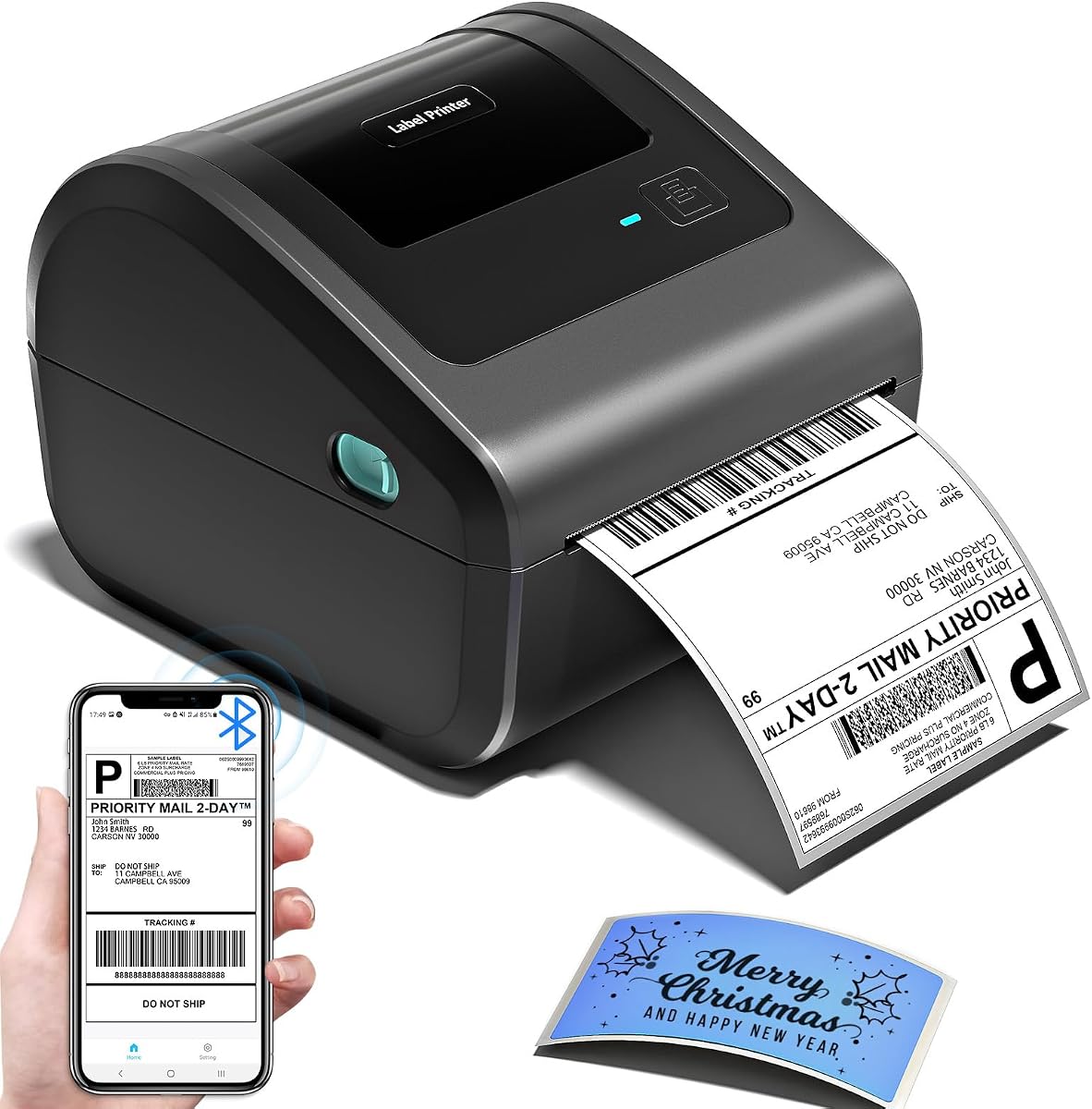
The D450BT stands out with its ingenious built-in compartment holding paper. This design saves desk space by eliminating external holders. It pairs instantly with devices allowing total freedom during shipping tasks.
We may earn a commission when you buy through this link, at no additional cost to you.
It handles widths from 1 to 4.6 inches for versatile label needs. The AF chip and Japanese thermal head ensure 203 DPI clarity. This reduces paper waste and improves professional appearance.
The bin holds up to 250 labels which is decent for daily use. However you might need to refill often during peak seasons. The USB and Bluetooth options cover both desktop and mobile scenarios.
Great for home offices where space is at a premium. The auto-alignment feature ensures labels print correctly every time. This reliability is crucial for avoiding shipping delays due to unreadable labels.
Integrated storage reduces the need for extra accessories and desk clutter.
Bluetooth capability enables printing directly from phones or laptops without cables.
We may earn a commission when you buy through this link, at no additional cost to you.
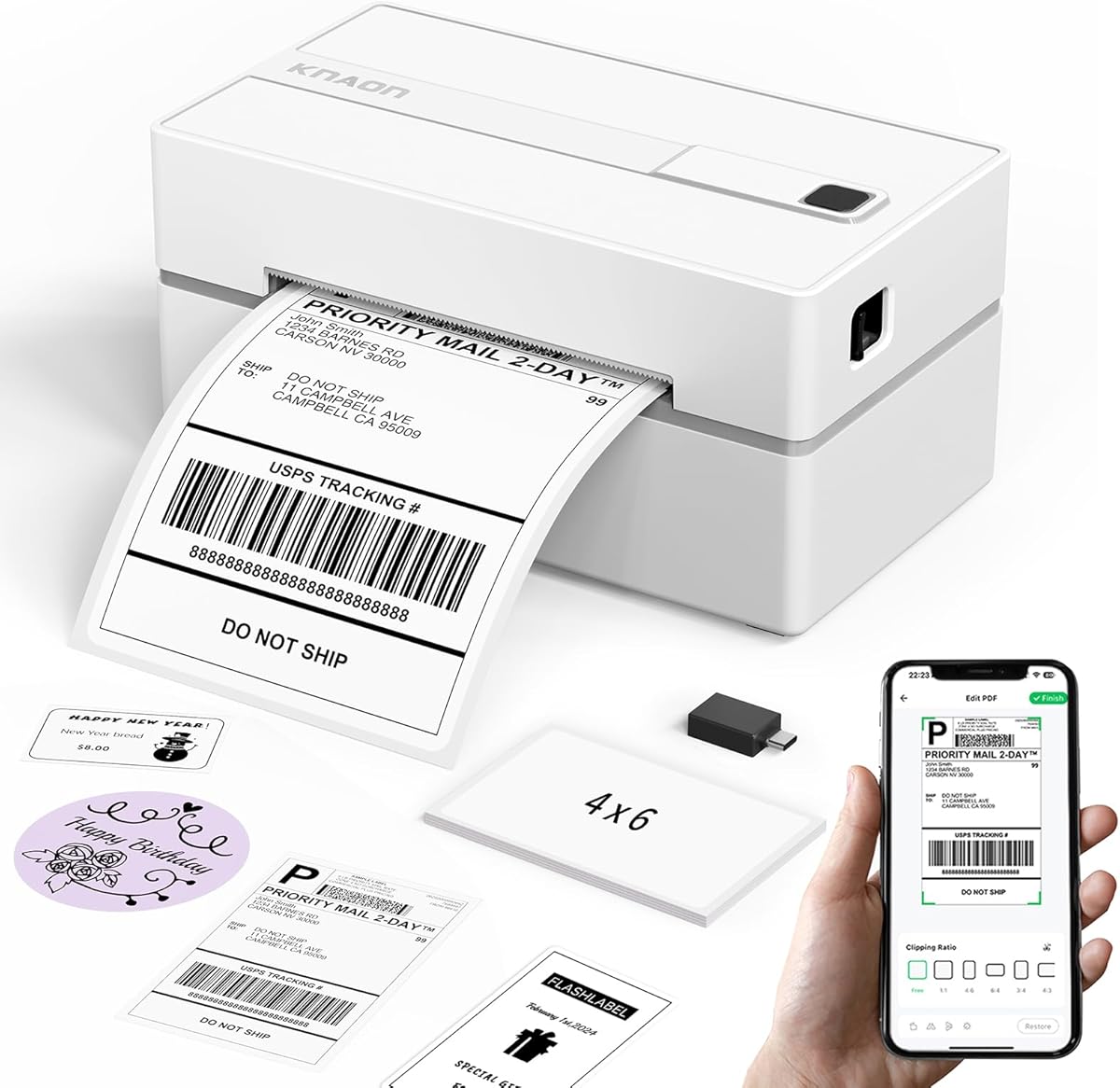
The KNAON printer combines a stylish portable design with robust functionality. Its small size makes it easy to store in drawers or carry. The included test papers help you start printing right away.
We may earn a commission when you buy through this link, at no additional cost to you.
The FlashLabel Pro app offers thousands of templates and icons for customization. This is great for branding beyond standard shipping labels. The 180 mm/s speed keeps workflow efficient during busy times.
All Bluetooth printing goes through the app which ensures stability. Windows and macOS connect via USB without issues. ChromeOS users need a specific extension which is easy to install.
Perfect for sellers who value aesthetics and customization options. The template library is extensive for DIY projects. Connectivity is versatile enough for both mobile and desktop workflows.
Access to thousands of templates allows for creative labeling beyond simple shipping.
Compact dimensions make it easy to store or transport as needed.
We may earn a commission when you buy through this link, at no additional cost to you.
The NULLTONEX printer is designed for efficiency and durability in daily use. Its matte finish with reinforced coating adds to its robust build quality. It eliminates the need for ink using direct thermal technology.
We may earn a commission when you buy through this link, at no additional cost to you.
Connectivity is flexible with both Bluetooth and USB options. The offline capability allows you to store templates locally for immediate use. This minimizes downtime during peak shipping hours significantly.
Overheat protection ensures stable long-run performance without shutdowns. This is vital for high volume operations. The 203 DPI resolution ensures sharp text and barcodes for scanning.
Ideal for small businesses needing a reliable and energy efficient tool. The offline feature is a unique benefit for areas with spotty internet. Ensure you install the drivers correctly for USB mode.
Direct thermal technology reduces maintenance and energy costs significantly.
Local storage of templates allows printing even without an internet connection.
We may earn a commission when you buy through this link, at no additional cost to you.
The MUNBYN printer uses a DAC chip to auto-calibrate labels automatically. This reduces misalignment and ensures precision in your packaging. The near-zero jam rate maximizes productivity and saves time.
We may earn a commission when you buy through this link, at no additional cost to you.
Operating at just 60 dB it is quieter than typing. This makes it suitable for home offices or shared workspaces. It prints monochrome labels clearly for inventory and shipping tasks.
The print head lasts up to 970,000 labels which offers longevity. This durability ensures a low cost per label over time. The connection light indicates data transfer for easy monitoring.
Best for environments where noise levels matter. The calibration feature reduces manual setup work. It handles return slips and inventory tags effectively.
Advanced chip technology auto-calibrates to reduce label misalignment.
Quiet operation maintains focus in quiet work environments.
We may earn a commission when you buy through this link, at no additional cost to you.
The Rongta printer offers straightforward functionality for basic shipping needs. Its automatic identification feature simplifies loading labels by detecting size. This saves time and reduces manual calibration hassles.
We may earn a commission when you buy through this link, at no additional cost to you.
It supports a wide width range from 0.98 to 4.37 inches. This versatility allows for various label types beyond just shipping. The compact design makes it easy to store anywhere.
Setup is easy with drivers available on the official website. It works with Chrome OS and older Mac versions well. The thermal method ensures fast 150 mm/s printing speed.
Good for small setups needing a simple and quick printer. The wide size support adds value for different label types. Ensure you download the correct version for your OS.
Simplifies label changes by detecting and feeding labels automatically.
Small footprint allows easy storage on crowded desks.
We may earn a commission when you buy through this link, at no additional cost to you.
The CLABEL G4 offers a 500 label capacity which is excellent for busy sellers. This reduces frequent roll changes during daily fulfillment. The built-in holder keeps your packing station organized.
We may earn a commission when you buy through this link, at no additional cost to you.
It supports NFC pairing for phones making setup fast. Up to 10 mobile devices can share the printer for workflow. The Clabel app allows PDF and Excel batch printing.
The print head supports 300,000 labels for durability. Automatic label retraction helps manage usage and reduce waste. It connects via USB for computers or Bluetooth for mobile.
Ideal for growing businesses needing capacity and shared access. The batch printing feature improves efficiency. Ensure you connect NFC devices correctly to take advantage of this feature.
Large bin reduces roll changes for high volume shipping tasks.
Support for PDF and Excel batch printing streamlines workflow.
We may earn a commission when you buy through this link, at no additional cost to you.
Selecting the right 4×6 Shipping Label Printer requires understanding your specific business needs and technical constraints.
Look for printers that support both USB and Bluetooth for flexibility. USB ensures a stable connection for desktops while Bluetooth allows mobile printing.
Choose connectivity based on whether you need to print from phones or stay at a desktop workstation.
Print speed impacts your shipping efficiency during peak seasons. Models range from 100mm per second to 150mm per second.
Higher speeds reduce wait times but may cost more depending on the model.
Ensure the printer works with your shipping platforms like Shopify or Amazon. Some require specific apps while others support native drivers.
Check if the manufacturer provides drivers for your operating system.
Standard 4×6 labels are common but some printers support smaller sizes too. Check the width range for flexibility in your labeling tasks.
A wider range allows you to print product tags as well as shipping labels.
Commercial grade models often have better build quality for daily use. Look for durable materials and overheat protection features.
A robust build ensures consistent performance in a shipping environment.
All these printers use direct thermal technology which eliminates ink costs. This ensures you only need to buy the labels themselves.
Direct thermal is faster and cleaner than traditional inkjet options.
Review the included drivers and setup videos provided by the manufacturer. Some models come with USB drives containing tutorials.
Quick setup minimizes downtime when you start your shipping workflow.
Consider the total cost of ownership including the printer and labels. Thermal labels are generally affordable but quality varies.
Choose a printer that balances upfront cost with long term reliability.
Start by connecting the printer to your computer via USB or Bluetooth. Install the drivers provided by the manufacturer to ensure compatibility.
Load the thermal labels into the roll holder or bin. Adjust the guide to match the label width so they feed smoothly.
Use the print settings to select the correct size and quality. Test a print before sending your full batch to avoid wasting labels.
No they use direct thermal technology that applies heat to the label material. This means you do not need ink or toner for printing. It reduces costs and simplifies maintenance significantly.
Many models support Bluetooth connectivity for mobile printing. You may need to download a specific app to send labels from your phone. Check the app requirements for your iOS or Android device.
Fanfold labels are folded flat while roll labels are on a circular core. Both work with most printers depending on the input tray. Choose based on which fits your storage space better.
Thermal print heads can last for hundreds of thousands of prints. Regular maintenance and avoiding overheating will extend the lifespan. Most commercial models are built for years of daily use.
Basic printing works with standard drivers. Some models offer proprietary apps for templates and custom labels. For shipping platforms integration check if your chosen model supports your carrier.
It stands for 203 dots per inch and ensures sharp text and barcodes. This resolution is standard for shipping labels so carriers can scan them easily. Higher DPI means better clarity on the label.
We reviewed ten reliable models ranging from budget options to commercial grade choices. The Rollo USB printer offers robust performance for stationary workspaces.
Prioritize connectivity and speed based on your specific shipping volume. Ensure your choice matches your platform needs to avoid integration issues.
Always check current product availability and terms before purchasing. Technology and inventory can change quickly in the market.