
ASUS ROG Strix G16 (2025) G615JMR-AS74
4.4Editor score
Intel Core i7 14650HX
RTX 5060 GPU
165Hz FHD+ Display
This guide compares the top ASUS ROG Strix Laptop models for 2026 focusing on performance display quality cooling and value for gamers and creators.
The ASUS ROG Strix Laptop lineup offers powerful gaming machines designed for enthusiasts who demand high frame rates and reliable performance. These laptops combine cutting edge processors with advanced cooling systems to handle demanding titles and creative workloads with ease.
We have analyzed ten distinct models from the latest 2025 and 2026 releases to help you find the right fit. Our comparison looks at processor power graphics capabilities display quality and thermal management to highlight the strengths of each configuration.
Each pick in this list shows specific use cases whether you need budget friendly entry level power or top tier flagship performance. Keep in mind that availability and specifications can change so verify details before making your final purchase decision.
4.4Editor score

4.3Editor score

4.3Editor score
The following table provides a side by side overview of the key specifications for each of the ten ASUS ROG Strix Laptop models reviewed in this guide.



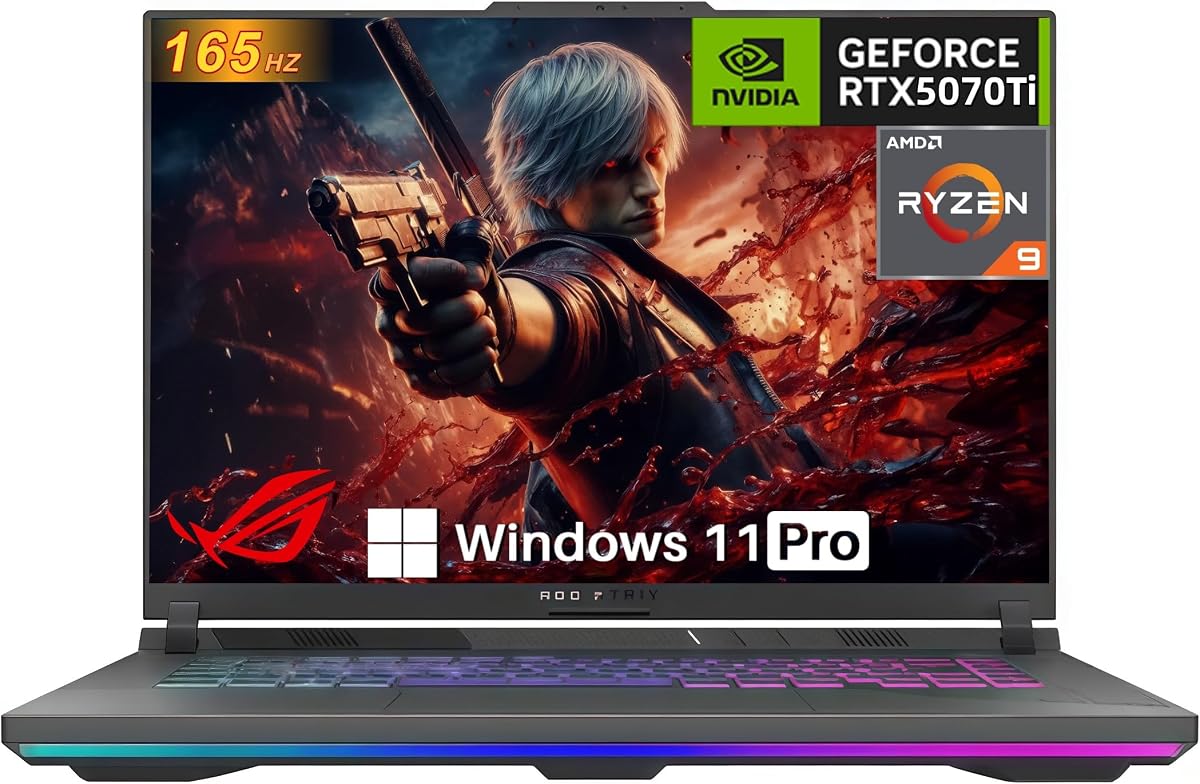

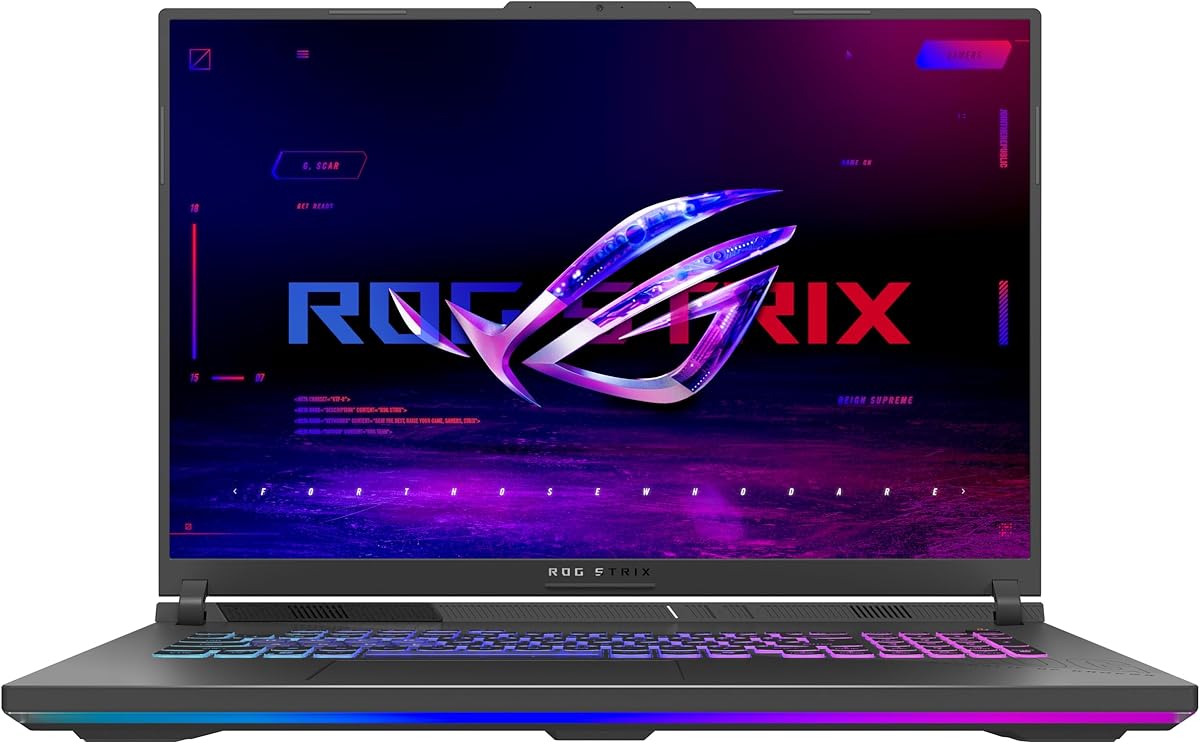
This model serves as an excellent entry point for gamers seeking solid performance without the flagship price tag. It holds a strong 4.4 star rating and delivers reliable frame rates across a wide range of modern titles.
We may earn a commission when you buy through this link, at no additional cost to you.
The Intel Core i7 14650HX processor paired with the RTX 5060 ensures smooth multitasking and capable gaming performance. The 165Hz display offers fluid visuals while the ROG Intelligent Cooling keeps the system quiet under load.
While it lacks the higher resolution of premium models the FHD+ panel is bright and responsive enough for competitive gaming. The trade off is manageable for users prioritizing speed and refresh rate over pixel density.
This laptop is ideal for students or casual gamers who need a versatile machine for both work and play. Its balance of specs and cost makes it a top contender in the budget segment.
The RTX 5060 GPU handles popular titles like Call of Duty and Apex Legends comfortably at high settings.
ROG Intelligent Cooling with vapor chamber ensures the laptop stays cool during extended sessions.
We may earn a commission when you buy through this link, at no additional cost to you.
This configuration stands out as a powerful all-rounder combining high-end components with a stunning display. With a 4.3 rating it appeals to users who want premium features without stepping up to the larger chassis.
We may earn a commission when you buy through this link, at no additional cost to you.
The RTX 5070 Ti GPU provides ample power for ray tracing and high frame rate gaming. The 240Hz 2.5K screen delivers crisp visuals that are perfect for both gaming and content creation.
It does come with a higher price tag which might not fit every budget. The weight is also slightly above average for portability but the performance justifies the bulk for stationary use.
Creators and serious gamers will appreciate the balance of graphics power and screen quality. It is a top choice for those who want a desktop replacement that does everything well.
The ROG Nebula display offers excellent color accuracy and brightness for media consumption.
Core Ultra 9 processor ensures smooth performance for demanding productivity tasks.
We may earn a commission when you buy through this link, at no additional cost to you.
The Scar 18 offers the ultimate premium experience with its massive display and top-tier components. It is designed for users who prioritize visual immersion and raw power over portability and price.
We may earn a commission when you buy through this link, at no additional cost to you.
The 18-inch Nebula HDR panel provides a stunning view for games and movies with deep blacks and vibrant colors. The RTX 5070 Ti ensures high-end performance in modern titles at maximum settings.
The cost is significantly higher than other options which limits its audience to enthusiasts. The large size makes it impractical for travel so it is best suited for a fixed desktop setup.
If you want the best possible screen and performance this model is unmatched. It delivers an immersive experience that rivals many desktop systems in quality and capability.
The 18-inch display fills your field of view for truly immersive gaming sessions.
MUX Switch optimizes power delivery to the GPU for higher frame rates.
We may earn a commission when you buy through this link, at no additional cost to you.
This model offers a unique mix of high-end CPU performance with a mid-range graphics card. It is rated 4.0 stars and suits users who need processing power for tasks other than heavy gaming.
We may earn a commission when you buy through this link, at no additional cost to you.
The Core Ultra 9 processor delivers fast speeds for editing and development while the RTX 5060 handles casual gaming well. The 240Hz display ensures smooth visuals even if the GPU is not flagship level.
The main trade-off is the limited GPU which may struggle with the latest AAA games at high settings. Additionally the 16GB RAM is sufficient for most but can be restrictive for heavy virtualization.
This is a great pick for developers or students who need a fast CPU for work and some gaming on the side. It balances speed and value effectively for specific professional use cases.
The Core Ultra 9 provides excellent performance for productivity and development work.
The 240Hz refresh rate ensures smooth visuals for any content you consume.
We may earn a commission when you buy through this link, at no additional cost to you.
This variant brings the powerful AMD Ryzen 9 processor to the ROG Strix lineup offering a strong alternative to Intel models. It is equipped with an RTX 5070 for solid gaming performance at a competitive price.
We may earn a commission when you buy through this link, at no additional cost to you.
The Ryzen 9 9955HX delivers excellent multi-core performance for rendering and streaming. Paired with the RTX 5070 it handles modern games smoothly on the 165Hz display which supports high frame rates.
While it lacks Wi-Fi 7 the Wi-Fi 6E connection is still very fast and reliable for home use. The N/A rating reflects its newer status or limited review data but specs are promising.
Users looking for AMD performance should consider this model highly. It offers a balanced combination of CPU power and graphics capability for a good price.
The Ryzen 9 processor handles heavy workloads efficiently for creative tasks.
The RTX 5070 ensures smooth gameplay in most modern titles.
We may earn a commission when you buy through this link, at no additional cost to you.
This model has achieved a perfect 5.0 rating indicating high satisfaction among early users. It combines a powerful AMD processor with a high TGP RTX 5070 Ti for robust performance.
We may earn a commission when you buy through this link, at no additional cost to you.
The 140W TGP GPU ensures maximum power delivery for gaming which is crucial for high frame rates. The 32GB RAM allows for heavy multitasking and future proofing for demanding applications.
While the display resolution is standard WUXGA it offers a bright and fast screen for gaming. The connectivity options are standard but reliable with Wi-Fi 6E and a wired Ethernet port.
This laptop is a strong contender for users who want raw power and high ratings. It is an excellent choice for gaming and content creation with reliable components.
The 140W TGP delivers maximum performance for graphics intensive tasks.
32GB of RAM ensures smooth operation for multiple demanding apps.
We may earn a commission when you buy through this link, at no additional cost to you.
With a strong 4.9 rating this unit is popular for its reliable performance and user friendly design. It features the RTX 5070 Ti which provides excellent gaming capabilities for most users.
We may earn a commission when you buy through this link, at no additional cost to you.
The tool-free access design makes it easy to upgrade RAM or SSD without tools. This flexibility adds value and allows users to customize the machine to their needs easily.
The main limitation is the 16GB of RAM which is standard but less than the 32GB in top models. However the GPU and processor are strong enough to handle most tasks well.
This is a great choice for users who want a reliable and easy to maintain laptop. It offers high performance and convenience for a reasonable price.
Tool-free access allows quick upgrades without needing specialized tools.
The RTX 5070 Ti delivers solid performance for modern gaming.
We may earn a commission when you buy through this link, at no additional cost to you.
This 2026 model pushes performance boundaries with the RTX 5080 GPU and 112 display. It has a perfect 5.0 rating and represents the most powerful 16-inch option in the lineup.
We may earn a commission when you buy through this link, at no additional cost to you.
The RTX 5080 ensures future proof gaming capabilities for upcoming titles. Wi-Fi 7 support provides the fastest wireless speeds available today for seamless online gaming.
The price is high reflecting the premium components inside. Power draw and battery life will be standard for such a powerful machine but desktop replacement use is ideal.
Enthusiasts who want the best portable power will love this machine. It combines cutting edge specs with a stunning screen for a premium experience.
The flagship GPU delivers unmatched performance for gaming and rendering.
Wi-Fi 7 ensures the fastest possible connection speeds.
We may earn a commission when you buy through this link, at no additional cost to you.
This model stands out with a massive 2TB SSD and 32GB RAM for heavy storage needs. It is rated 4.2 stars and offers strong performance for productivity and large library gaming.
We may earn a commission when you buy through this link, at no additional cost to you.
The 2TB drive allows you to install many games without worrying about space. Windows 11 Pro adds features for business users such as BitLocker and remote desktop access.
The GPU is powerful but not the highest tier available in the line. This trade-off is acceptable for users who prioritize storage and memory over maximum graphical power.
This is a great choice for professionals who need storage for creative projects. It balances productivity features with solid gaming performance for a good mix.
The 2TB SSD provides ample space for games and projects.
Windows 11 Pro includes advanced features for business and management.
We may earn a commission when you buy through this link, at no additional cost to you.
This model offers a large 18 inch display at an affordable entry point. It holds a 4.4 rating and is best for users who prioritize screen size and processing power over graphics speed.
We may earn a commission when you buy through this link, at no additional cost to you.
The AMD Ryzen 9 processor provides excellent speed for multitasking and light gaming. The larger chassis helps with cooling but adds weight making it less portable than 16 inch models.
The GPU is lower tier suited for esports titles rather than heavy AAA gaming. This limitation is balanced by the larger screen and fast CPU for general use.
This is a solid option for students or users who want a large screen for work. It provides a comfortable experience for daily tasks with a focus on productivity.
The 18-inch screen offers plenty of real estate for productivity.
The Ryzen 9 processor ensures fast performance for multitasking.
We may earn a commission when you buy through this link, at no additional cost to you.
Selecting the right laptop requires balancing performance needs with budget and portability requirements.
The processor determines how well the laptop handles tasks like video editing or compiling code. Look for Core Ultra 9 or Ryzen 9 for top performance or Core i7/Ryzen 7 for solid mid-range needs.
Prioritize the latest generation CPUs for better efficiency and longer support cycles.
Graphics cards drive gaming performance and rendering speeds. Models with RTX 5070 Ti or 5080 are best for high-end gaming while 5060 suits casual players.
Ensure the GPU supports DLSS 4 and has enough VRAM for texture-heavy games.
Displays vary from FHD+ to 2.5K and HDR options. Higher resolution is great for creative work but FHD+ with high refresh rates is better for competitive gaming.
Look for Nebula panels with good color accuracy if you plan to edit photos or video.
At least 16GB of DDR5 RAM is standard and 32GB is recommended for heavy users. Storage should be a Gen 4 SSD for fast load times.
Choose models with tool-free access if you plan to upgrade RAM or SSD later.
Effective cooling is critical for maintaining performance during long sessions. Look for vapor chambers and liquid metal on the CPU and GPU.
Tri-fan technology helps dissipate heat efficiently without excessive noise.
Check for Wi-Fi 7 support and Thunderbolt 5 ports for fast data transfer. HDMI 2.1 is useful for connecting external monitors.
Ensure the port selection matches your peripherals like external drives or VR headsets.
Larger chassis like 18-inch offer better cooling but are heavy. Consider the weight if you travel frequently.
Battery life varies by configuration so expect shorter duration on high-performance models.
Prices vary significantly based on GPU and screen specs. Entry-level models offer great value while premium ones justify cost with top features.
Compare current specs against your specific needs to avoid overspending on unused power.
Place the laptop on a hard flat surface to ensure airflow through the bottom vents. Avoid using it on soft surfaces like blankets that can block cooling fans and cause overheating.
Use the Armoury Crate software to switch performance modes based on your activity. Performance mode boosts power for gaming while Silent mode reduces noise for office work.
Regularly update drivers and BIOS through the MyASUS app to fix bugs and improve stability. Keep the vents clean with compressed air to prevent dust buildup that reduces cooling efficiency.
Yes models with high-core CPUs and dedicated GPUs handle rendering and video editing well. The displays on Nebula variants also offer good color accuracy for creative work.
Most models support at least two external displays via HDMI and USB-C. Check the specific port specs to confirm resolution and refresh rate limits.
Many models feature tool-free access slots for easy upgrades to RAM and SSDs. Verify the specific chassis design as some configurations may be soldered.
RTX 5070 Ti and above are recommended for 1440p gaming at high settings. Lower GPUs like the 5050 are better suited for 1080p titles.
Battery life is typically moderate for gaming laptops usually lasting a few hours on light tasks. Heavy gaming will drain the battery much faster so keep it plugged in.
The keyboards support per-key RGB lighting and macros through Armoury Crate software. You can create profiles for different games or applications to change lighting easily.
Standard warranty covers hardware defects for one year but terms vary by region. Check the product page for details on international warranties or extended options.
ROG is the brand line and Strix is a series within it focusing on gaming. Other ROG series like Zephyrus target thinner designs while Strix offers more power.
Our top picks cover a range of needs from budget friendly gaming to premium high-end performance. The best overall choice remains the RTX 5070 Ti models for their balance of speed and value.
Prioritize the GPU and display quality if you are a gamer while processors and RAM matter more for professional workloads. The right balance depends on your specific daily tasks.
Always check the current availability and specs before buying as configurations may change. The models listed provide a solid starting point for your purchase decision.